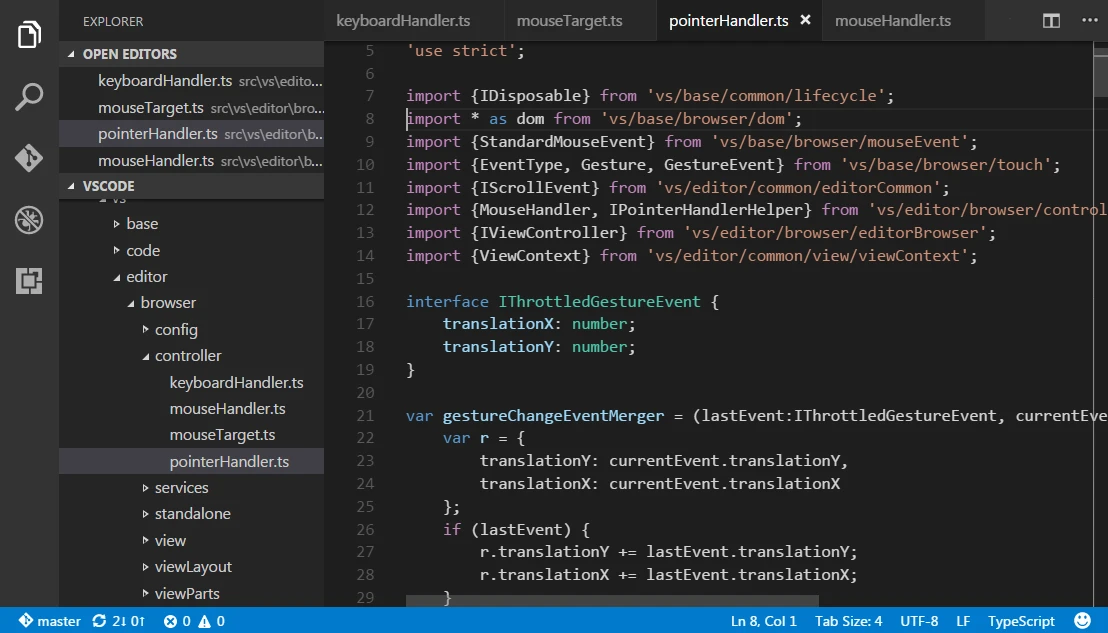
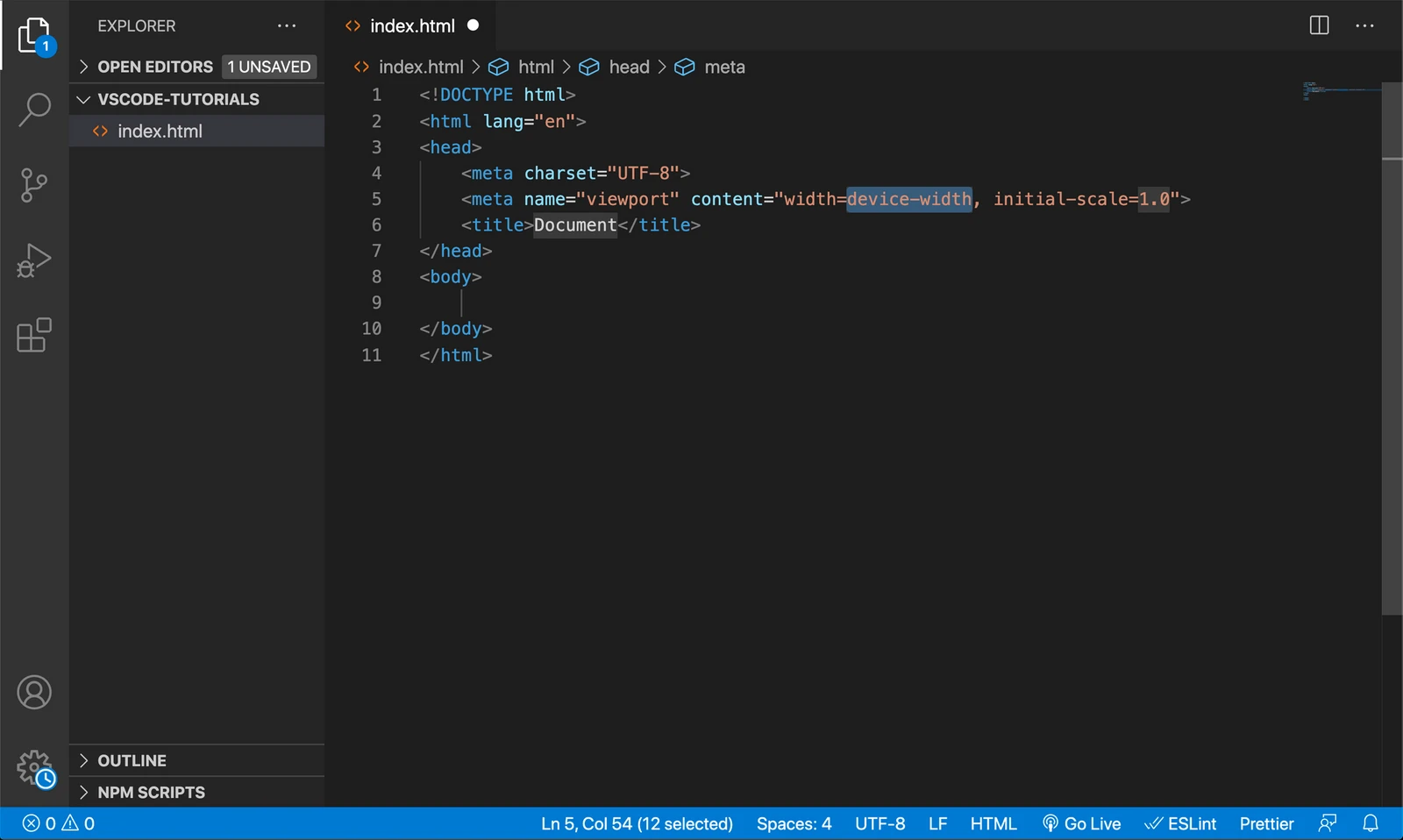
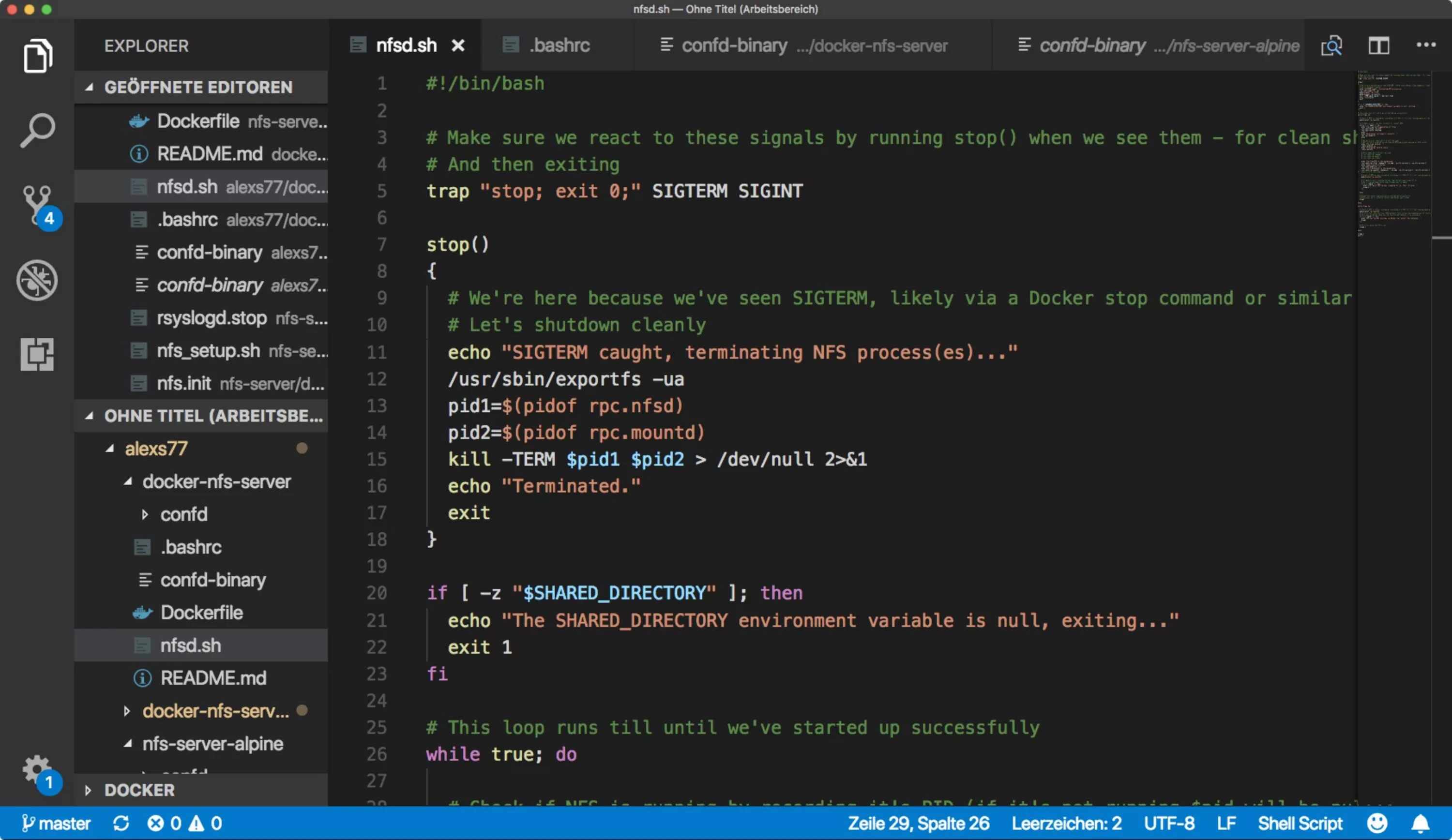
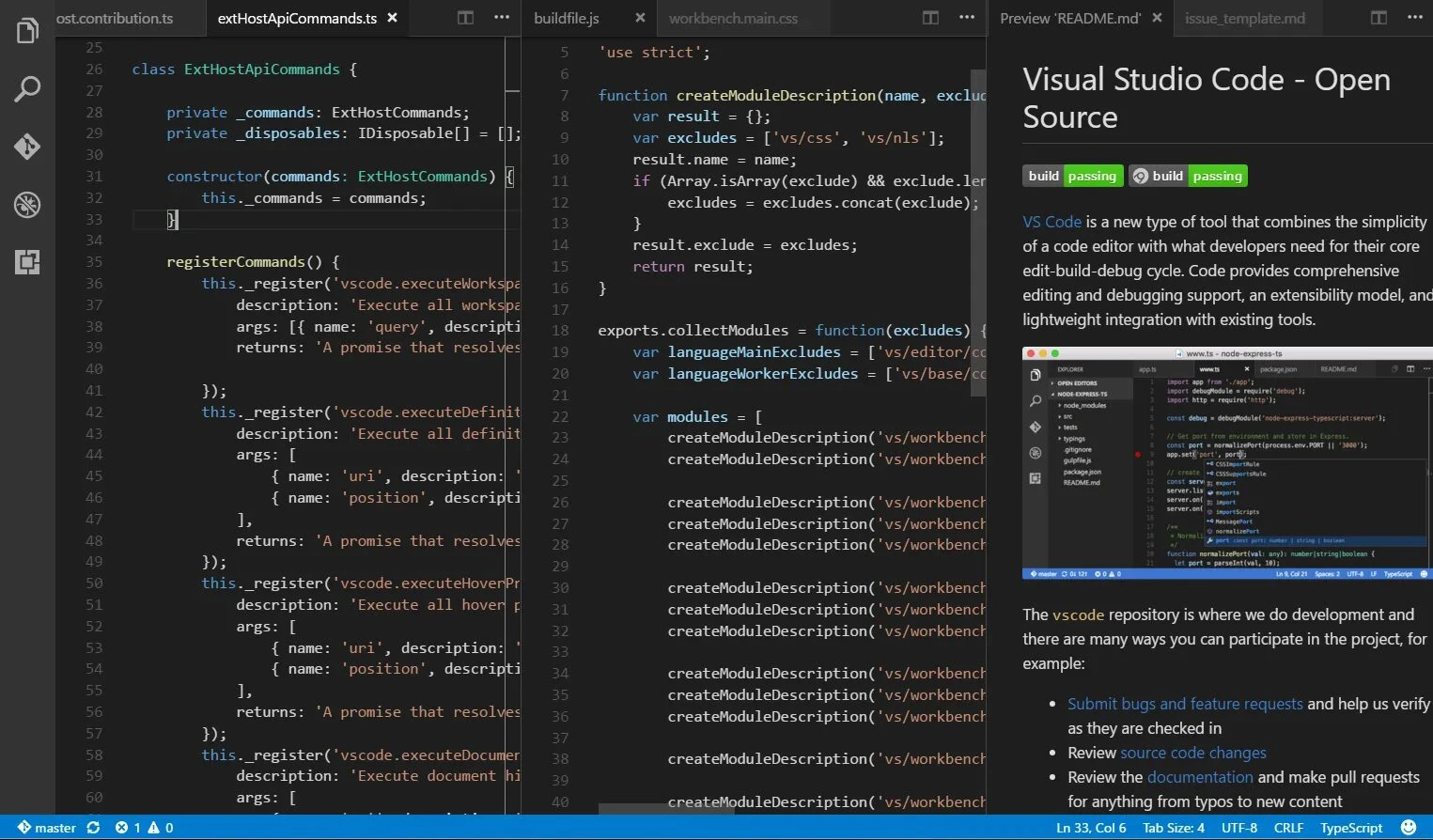
Visual Studio Code continues to evolve effectively with its November 2025 release (version 1.107), introducing new ways for developers to coordinate AI tools directly within the editor. This Microsoft-developed software provides a highly customizable environment for writing, debugging, and testing code across hundreds of languages. The latest update shifts focus toward "Agent HQ," a centralized hub where users can manage GitHub Copilot alongside custom agents to handle multiple coding tasks simultaneously without interrupting their primary workflow.
Key Features
- Agent HQ Orchestration: Developers can now direct multiple AI agents—including GitHub Copilot and custom organization tools—from a single interface to parallelize complex development tasks.
- Background Agents: This feature allows long-running processes to execute in isolated workspaces, enabling the software to fix bugs or refactor code in the background while the user continues typing in the active window.
- Model Context Protocol (MCP) Support: The editor now supports the latest MCP specification, allowing AI models to securely access external data, local files, and system tools for more accurate code generation.
- Integrated Terminal & Debugging: Users can run commands, manage Git version control, and debug applications directly within the interface, reducing the need to switch between different windows.
- Extension Marketplace: The vast library of extensions lets users add support for virtually any language or service, from Python and jаvascript to specific cloud infrastructure tools.
Use Cases
Full-stack developers benefit significantly from the new background agent capabilities, allowing them to offload repetitive refactoring tasks while focusing on logic. Enterprise teams can also utilize the custom agent support to enforce internal coding standards and security practices automatically across their organization.
With its intelligent integration of background processes and unmatched extensibility, Visual Studio Code remains the definitive choice for developers on Windows 10 and Windows 11.
Visual Studio Code 1.96 — 2025-01-10
Added:
• Inline AI Hints: contextual code suggestions shown directly in the editor margin.
• Workspace Teleport: instant switching between large multi-root workspaces with preserved state.
• Native support for .ultraenv environment descriptors for portable dev setups.
Changed:
• Terminal rendering pipeline refined for smoother scrolling under heavy output.
• Settings Search now uses semantic matching for more accurate results.
• Updated built-in TypeScript to 6.0 preview for faster incremental builds.
Fixed:
• Resolved rare freeze when reopening a window with 200+ tabs.
• Fixed incorrect folding of nested JSX fragments.
• Terminal no longer loses focus after executing multi-line input on Windows.