Description
Graphic design relies heavily on vector software to create logos, icons, and illustrations that scale without losing quality. Two names dominate this conversation: Adobe Illustrator, the long-standing industry standard, and Inkscape, the capable open-source challenger. Whether you are a freelance designer, a business owner, or a student, choosing between these two depends on your specific workflow needs, budget, and reliance on generative AI tools.
Inkscape
- Developer: The Inkscape Project (Open Source Community)
- Key Strengths: Native SVG support, node editing precision, cost-free accessibility
- Pricing: Free (GPL)
- Best Suited For: Web designers, scientific illustrators, hobbyists, and budget-conscious professionals
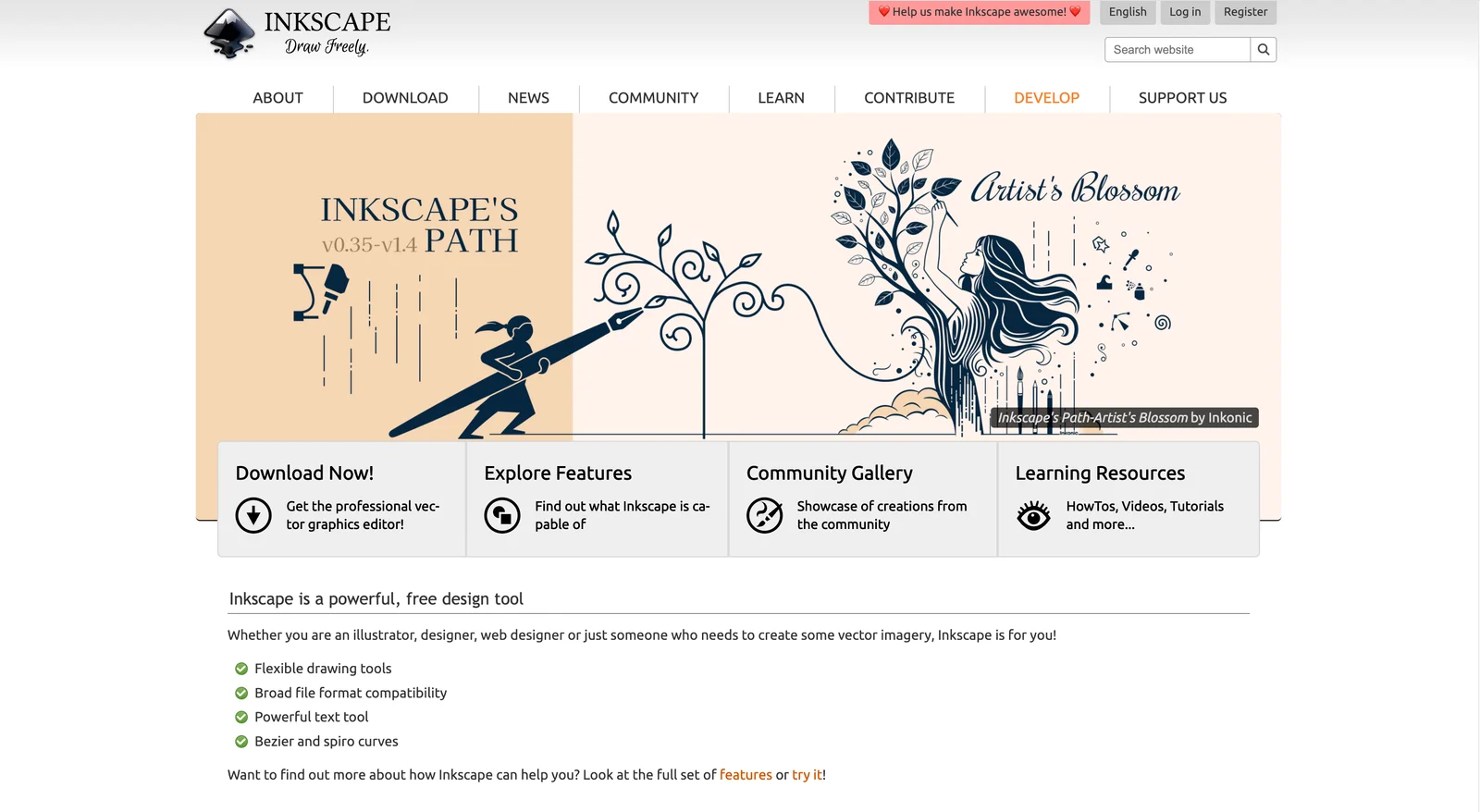
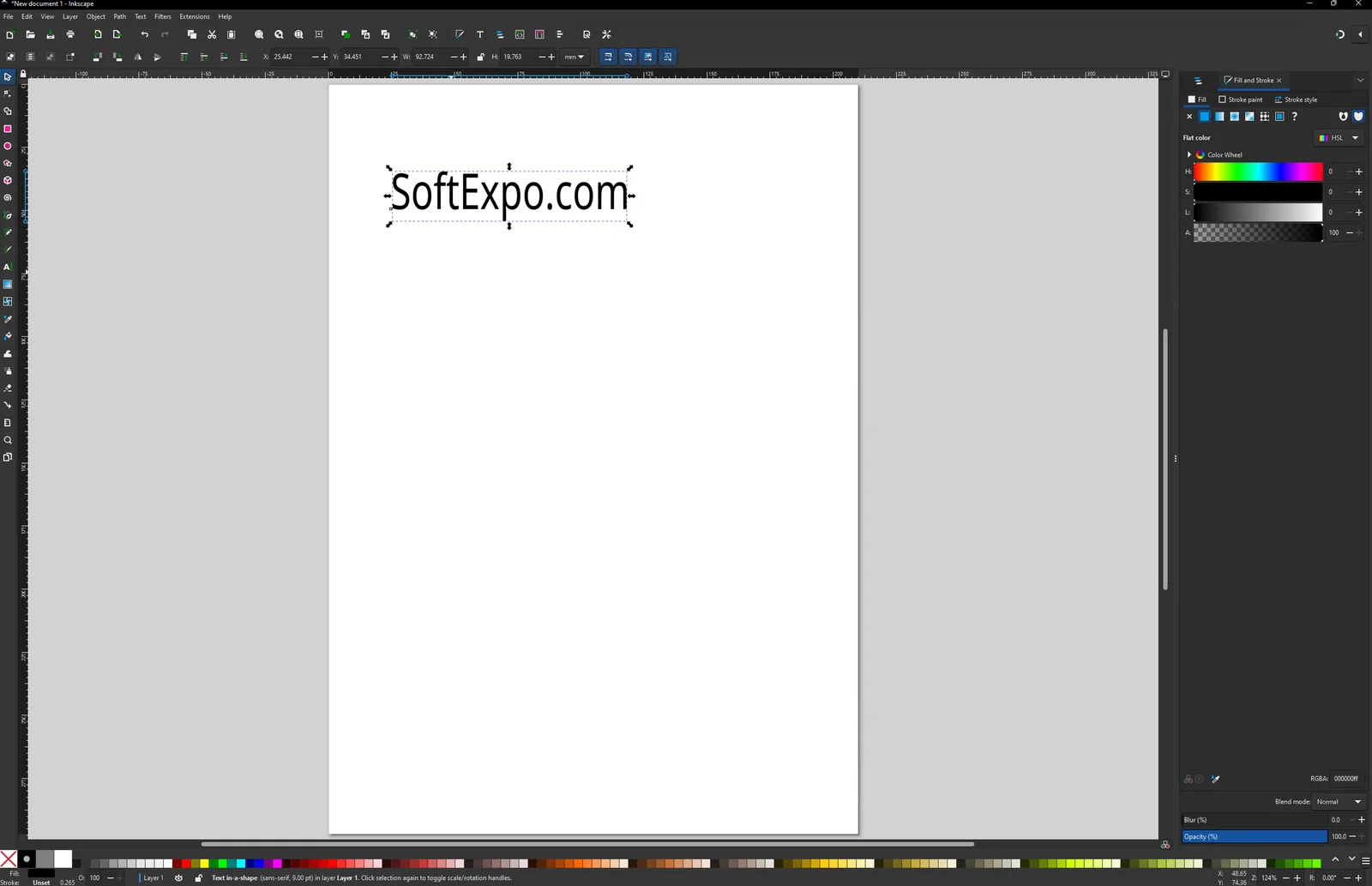
Inkscape 1.4, the stable release as of early 2026, continues to offer a comprehensive vector editing suite without a subscription fee. Its primary file format is SVG (Scalable Vector Graphics), making it an excellent choice for web design and coding-friendly workflows. The software features a highly customizable interface where users can manage modular grids, execute complex boolean operations, and utilize a refined Shape Builder tool that now clips raster images effectively.
For Windows 10 and 11 users, Inkscape provides a stable environment with improved performance in recent updates. The new Filter Gallery allows for easier visual searching of effects, and the Unified Font Browser simplifies typography management. While it lacks native generative AI, the community has developed various extensions that expand its functionality, keeping it relevant for users who prefer manual control over automated generation.
Illustrator
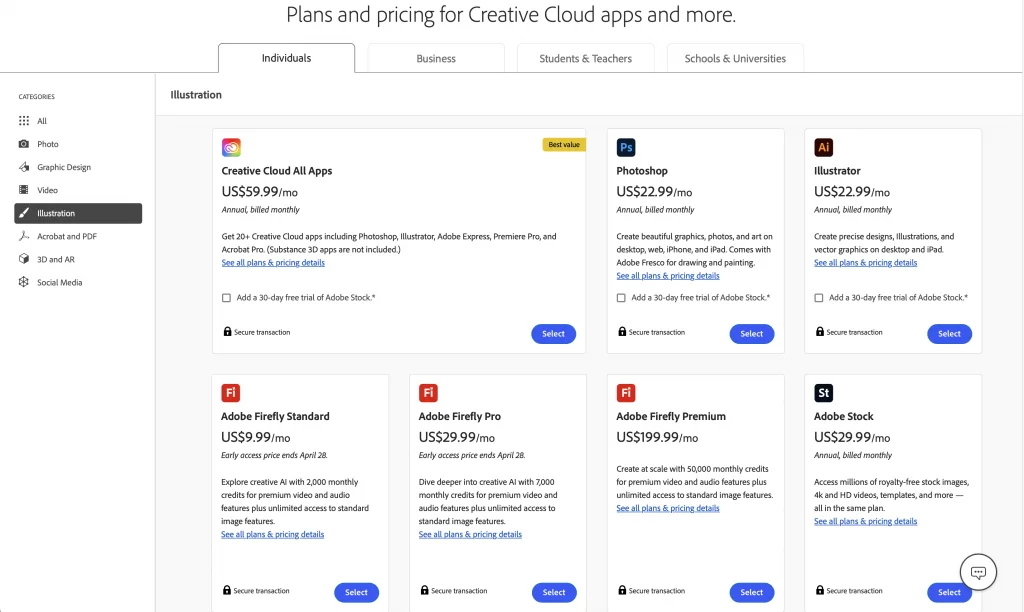
- Developer: Adobe
- Key Strengths: Firefly AI integration, advanced print controls, cloud collaboration
- Pricing: Monthly Subscription (Creative Cloud)
- Best Suited For: Professional agencies, print designers, and teams requiring cloud synchronization
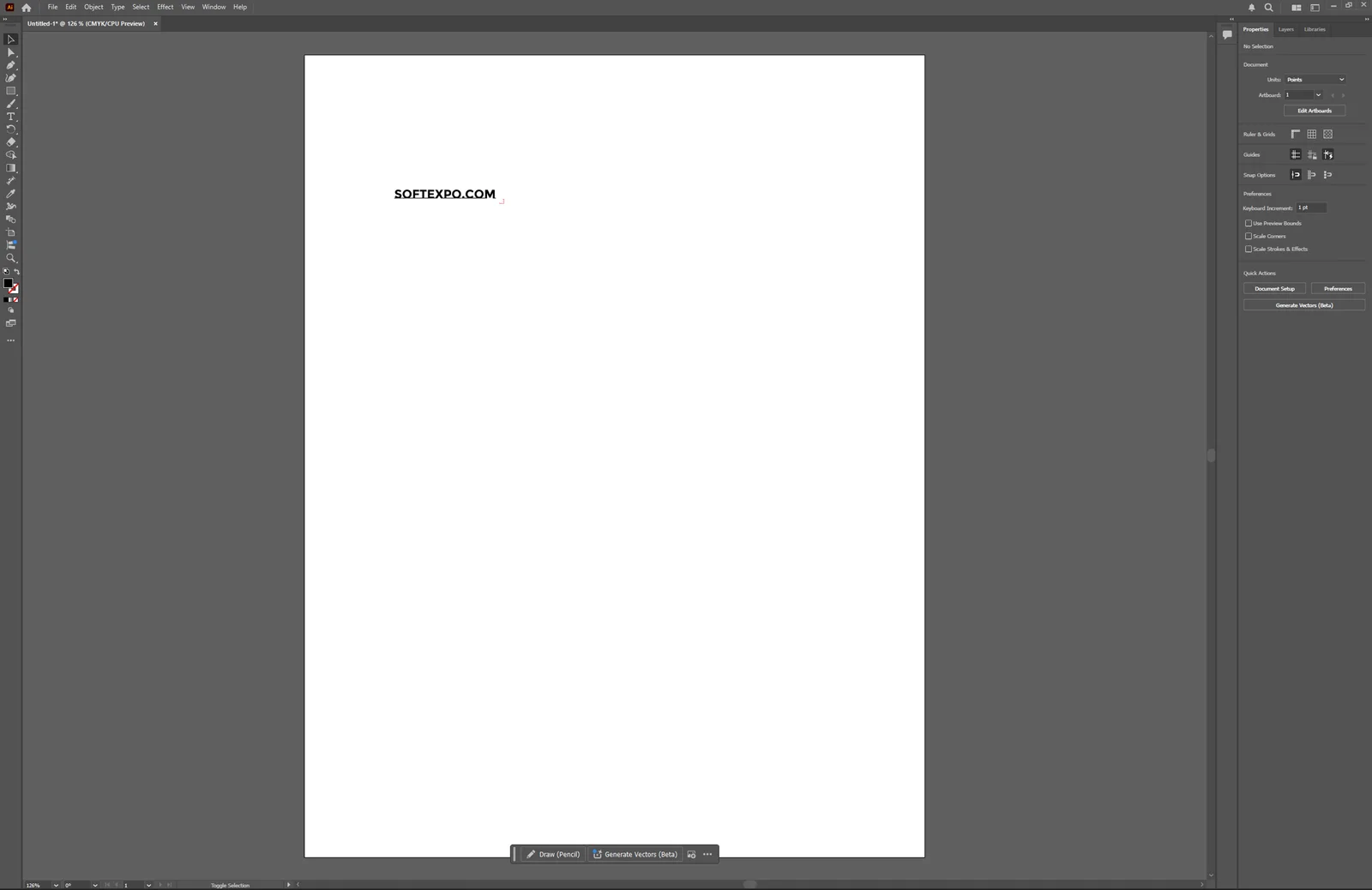
Adobe Illustrator 2026 (version 30.0) remains the tool of choice for professional creative environments. The latest update heavily emphasizes the integration of Adobe Firefly, a generative AI model. Users can now generate vector graphics from text prompts, create patterns instantly, and use the "Vector Assistant" to execute complex path commands using natural language. This version also introduces the "Turntable" tool for viewing 2D vector art from 3D angles, streamlining packaging and product mockup workflows.
Beyond AI, Illustrator maintains its dominance in print design. The 2026 release adds gradient dithering to prevent color banding and improves artboard management with color-coded organization. The software's integration with the Creative Cloud allows for direct asset sharing and version history, which is essential for collaborative team settings.
Key Differences
Artificial Intelligence Integration
The most distinct difference in 2026 is the presence of generative tools. Illustrator's native Firefly engine allows users to generate vector shapes, recolor artwork, and expand patterns using text prompts directly on the canvas. Inkscape relies on traditional, manual construction methods. While extensions exist, Inkscape does not have a built-in AI engine to automate design tasks.
Color Management for Print
Illustrator is built with a CMYK-first mindset, offering extensive pre-flight tools, separation previews, and spot color support required by commercial print shops. Inkscape defaults to the sRGB color space. While version 1.4 has improved color palette handling and offers CMYK export workarounds, it requires more manual effort to prepare files for professional offset printing compared to Adobe's standardized output.
File Compatibility and Sharing
Illustrator's proprietary .AI format is the standard for exchanging files in the corporate world. It also supports cloud documents for real-time saving and sharing across devices. Inkscape uses the open standard SVG format. While Inkscape can open .AI files and export to PDF, formatting issues can occasionally arise when moving complex files between the two programs, particularly those with proprietary effects like mesh gradients.
Which Should You Choose?
Choose Inkscape if you... need a capable, free tool for creating icons, web graphics, or laser cutting files. It is the ideal choice for independent creators or developers who want full control over their code-compliant SVG files without a monthly financial commitment.
Choose Illustrator if you... work in a professional agency, require commercial print-ready files, or want to speed up your workflow with generative AI features. If your clients expect .AI source files or if you collaborate with a team using the Creative Cloud ecosystem, the subscription cost is a necessary investment.