Description
In a major industry shift as of late 2025, the comparison between Serif Affinity Designer and Serif Affinity Photo has changed from "which app should I buy?" to "which workspace should I use?" Following Canva's acquisition of Serif, these formerly separate applications have been unified into a single software suite simply called Affinity (version 3.0+), which is now free to download. This guide compares the specific tools and workflows of the Vector Studio (formerly Designer) and the Pixel Studio (formerly Photo) to help you understand which mode is right for your project.
Serif Affinity Designer (Now "Vector Studio")
Affinity Designer has evolved into the dedicated Vector Studio within the new unified app. Developed by Serif (now a Canva subsidiary), this mode focuses on scalability and precision, making it the primary choice for creating graphics that need to look sharp at any size.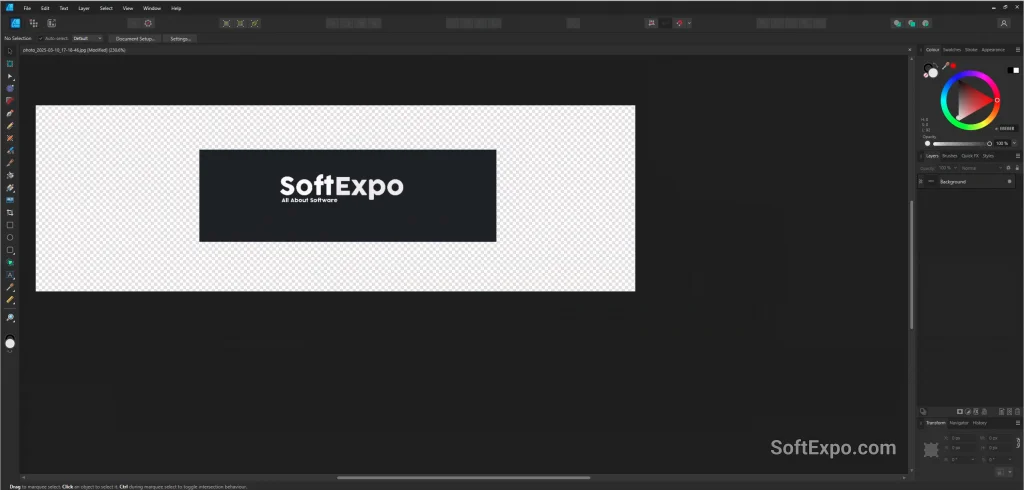
- Vector-Based Architecture: Creates images using mathematical paths and points rather than pixels, ensuring infinite scalability without quality loss.
- Advanced Typography & UI Tools: Features specific tools for handling complex type, artboards for interface design, and symbols for repeating elements.
- Dual Environment: Unique capability to switch instantly to a "Pixel Persona" for adding texture to vectors without leaving the design environment.
Pricing Model: Core features are completely Free as part of the unified Affinity app. Advanced AI tools (like vector generation) require a paid Canva subscription.
Best Suited For: Logo design, typography, UI/UX mockups, iconography, and print illustrations.
Serif Affinity Photo (Now "Pixel Studio")
Formerly a standalone application, Affinity Photo now exists as the Pixel Studio within the unified suite. It remains a professional-grade raster editor designed for manipulating photographic imagery and creating complex digital art at the pixel level.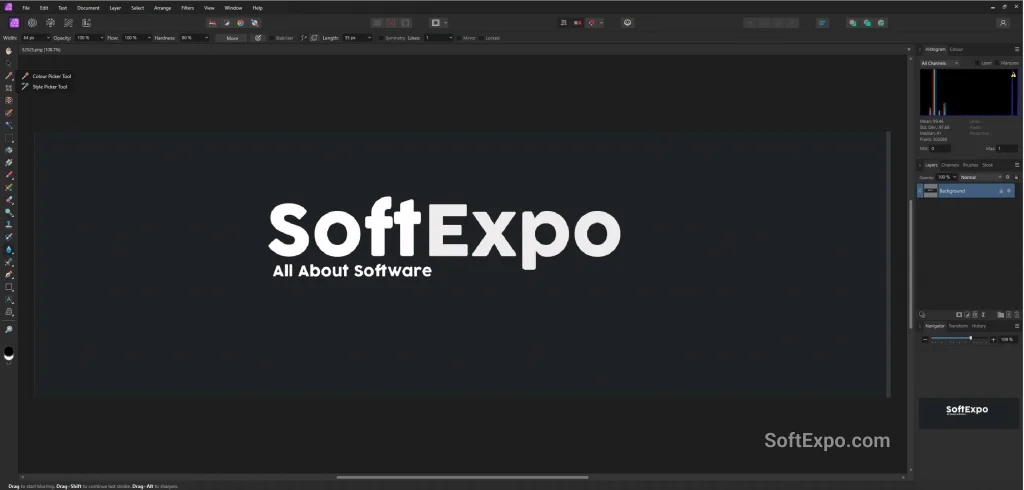
- Deep Raster Editing: Specializes in pixel manipulation, offering layer-based editing, frequency separation, and high-end retouching tools.
- RAW Processing: Includes a dedicated Develop persona for processing raw camera files with total control over exposure, shadows, and highlights.
- Advanced Compositing: Features specialized tools for masking, unlimited layers, and live filters that are non-destructive.
Pricing Model: Core features are completely Free. Generative AI features (like background removal and generative fill) are locked behind a Canva Premium subscription.
Best Suited For: Photo retouching, digital painting, image manipulation, compositing, and texture creation.
Key Differences
The primary distinction lies in how each studio handles image data. The Vector Studio (Designer) relies on mathematical paths (Bezier curves), which keeps file sizes small and edges crisp regardless of scale. In contrast, the Pixel Studio (Photo) manages raster grids, which allows for rich detail and color blending but loses quality if scaled up significantly.
Workflow organization also differs significantly. The Vector Studio utilizes Artboards, allowing you to work on multiple pages or screen designs side-by-side on a single canvas—essential for UI design. The Pixel Studio typically focuses on a single Canvas or document at a time, prioritizing deep focus on individual image fidelity and layer complexity.
Tool availability is another major separator. While both studios share basic shape tools, the Pixel Studio exclusively houses Liquify, Develop (for RAW), and Tone Mapping personas. Conversely, the Vector Studio is the only place you will find the Contour tool, Corner tool, and true vector boolean operations.
Which Should You Choose?
The incredible news for 2026 is that you no longer have to choose between them financially—downloading the unified Affinity app gives you access to both.
Choose the Vector Studio (Designer) if you are building logos, icons, app interfaces, or layout-heavy graphics that need to be resized frequently without losing quality.
Choose the Pixel Studio (Photo) if you are editing photographs, painting digital concept art, or need to apply complex filters and adjustments to existing images.