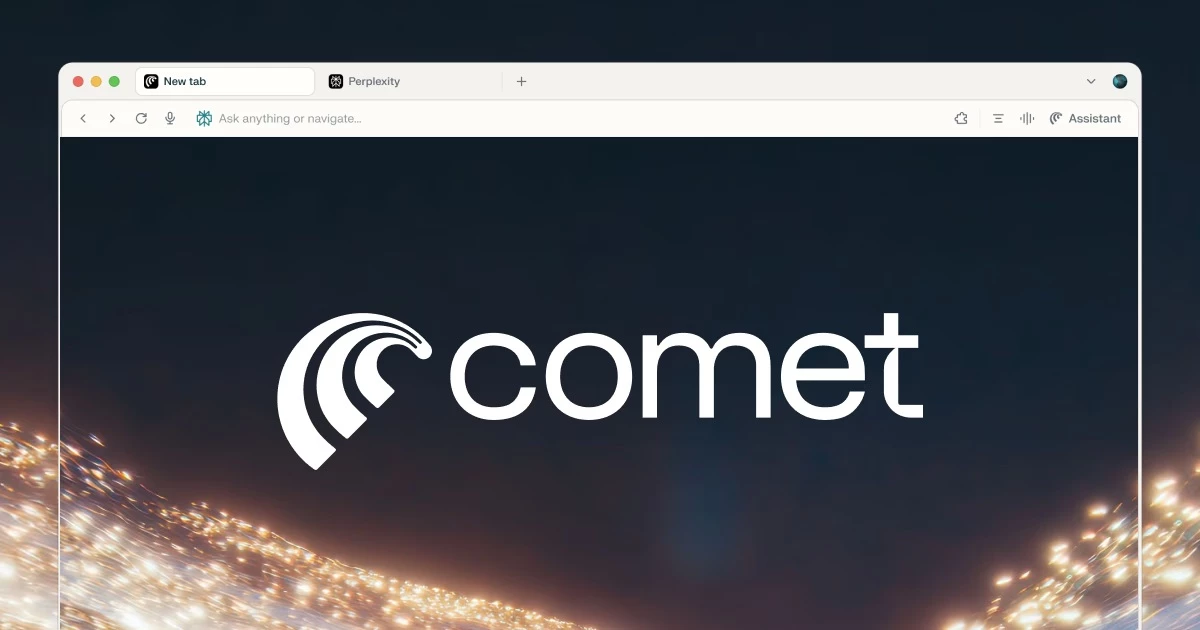
Comet Browser restructures the standard web navigation experience by embedding Perplexity AI directly into the interface, altering how individuals interact with online content on Windows systems. Instead of acting as a passive window to the internet, this software functions as an active participant in your browsing sessions, capable of understanding context, answering complex questions, and executing tasks across multiple tabs. It replaces the traditional search engine model of static blue links with an interactive, natural-language workflow. Users type plain-English questions or instructions into the address bar, and the built-in engine researches the topic, compiling an organized answer instead of redirecting to a search engine results page.
This desktop application is specifically built for heavy researchers, analysts, students, and professionals who regularly manage dozens of open tabs. Rather than opening a separate chatbot window or side panel to analyze information, users can direct the browser itself to read the current page, summarize long articles, or find specific data points hidden within dense documentation. Because the software operates as an agentic browser, it can execute multi-step workflows—such as identifying promotional emails, bulk-unsubscribing from newsletters, or aggregating pricing data from e-commerce sites.
While many lighter add-ons or browser extensions attempt to bring AI to the desktop, they often struggle with site compatibility or lack the permissions to manipulate interface elements. Comet Browser solves this by integrating the AI at the core Chromium level. This deep integration allows the assistant to securely view tab groupings, read on-screen text, and interact with web forms. Users choose this environment when they need to delegate tedious internet tasks to an automated assistant rather than clicking through every menu manually.
Key Features
- Agentic Comet Assistant: The browser places a dedicated assistant directly into every open tab, allowing users to issue page-specific commands. By opening the right-side panel or pressing Cmd/Ctrl + R to refresh the AI view, users can ask the AI to find a specific statistic in a lengthy PDF, extract a recipe from a cluttered food blog, or explain technical jargon found in an article. The assistant reads the live page content and provides cited answers without requiring the user to copy and paste text manually.
- Cross-Tab Summarization: For deep research projects, users can highlight multiple open tabs and instruct the browser to synthesize the information. The engine will scan the selected pages, compare the data, and generate a cohesive text or Markdown summary that pulls facts from all sources. This eliminates the need to jump back and forth between different windows when compiling notes for a report or analyzing product reviews.
- Natural Language Search: The main address bar bypasses traditional keyword search engines in favor of Perplexity's natural language processor. Users can type highly specific filters, such as "Indian restaurants within five miles that have four-star ratings and vegetarian menus," and the browser will return a formatted list of results rather than a page of SEO-optimized directory links. This reduces the time spent clicking through search results to verify criteria.
- Automated Task Execution: The software goes beyond answering questions by actively manipulating web elements to complete workflows. Users can instruct the browser to navigate their webmail interface, identify all messages labeled as promotional, and automatically click the unsubscribe links. It can also manage calendar scheduling or draft email replies based on context gathered from previous messages in a thread.
- Chromium Foundation and Extension Support: Because the software is built on the open-source Chromium project, it maintains full compatibility with the existing web ecosystem. Users can install their preferred ad blockers, password managers, and developer tools directly from the standard Chrome Web Store. The familiar underlying architecture ensures that web applications, video conferencing tools, and enterprise portals load correctly without compatibility errors.
- Built-in Tab Organization: The browser automatically monitors user activity and groups related tabs together based on context. If a user opens several pages related to planning a trip, the AI will cluster those pages under a dedicated workspace. Users can then ask the assistant to close all tabs related to the finished task, keeping the top navigation bar clean and reducing system memory usage.
How to Install Comet Browser on Windows
- Navigate to the official vendor website and locate the direct download link for the Windows installer package.
- Save the executable file to your local storage drive and double-click the setup file to initiate the installation process.
- If the operating system displays a "Windows protected your PC" security warning, click the "More info" text and select the "Run anyway" button to bypass the filter.
- Allow the installer to unpack the core Chromium browser files into your local application directory. The setup process runs mostly in the background and does not require manual directory selection.
- Upon the first launch, review the initial onboarding screen. The software will prompt you to set it as your default system browser.
- Follow the on-screen prompts to automatically import your existing bookmarks, saved passwords, browsing history, and extensions from your previous default browser.
- Sign in using your Perplexity account credentials. This step is necessary to authenticate your access to the AI engine, sync your conversation history, and activate the right-side assistant panel across your tabs.
Comet Browser Free vs. Paid
Comet Browser costs nothing to download, install, and use for standard internet navigation and basic AI interactions. The free tier provides full access to the core Chromium browsing engine, tab management tools, and the standard Perplexity search features. Users operating on the free tier can ask the right-side assistant questions, generate page summaries, and group their tabs without paying a license fee. However, the free tier does impose rate limits on the number of complex AI queries a user can submit within a specific time frame.
For users who require heavier research capabilities, the vendor offers an optional Perplexity Pro subscription, which currently costs $20 per month. Upgrading to the Pro tier removes the rate limits on complex queries and grants access to more advanced AI models for processing information. The paid tier also unlocks deeper research modes that conduct extensive web scraping to build highly detailed, heavily cited reports.
Additionally, Pro subscribers gain access to specialized agent features, such as the Email Assistant. This premium tool allows users to carbon-copy the AI on email threads, enabling the browser to automatically draft context-aware replies, manage calendar scheduling, and organize inbox folders. The software does not require a perpetual license, and users can manage their subscription status directly through their account settings.
Comet Browser vs. Google Chrome vs. Microsoft Edge
Google Chrome remains the standard choice for users who are deeply entrenched in the Google ecosystem and prefer a traditional search experience. Chrome relies on standard keyword search and blue links, which is often faster for simple navigational queries like finding a specific login page or checking the weather. While Chrome offers its Gemini side-panel for answering questions, the integration is isolated; it acts as a separate chat window rather than an agent capable of manipulating the active web page or executing multi-step tasks like bulk-unsubscribing from emails.
Microsoft Edge is highly optimized for enterprise environments and users who rely on Microsoft 365 applications. Edge integrates the Copilot tool, which excels at summarizing PDF documents, rewriting text, and generating images within the sidebar. However, Edge is still built around the traditional Bing search engine framework. Its AI features act primarily as reading and writing aids rather than autonomous agents that can navigate e-commerce sites, compile data from multiple open tabs, or handle complex natural language queries with multiple filters.
Comet Browser is the better fit for advanced users, researchers, and professionals who want an active participant in their browsing workflow. Users should choose this software when they need to synthesize information from a dozen different sources, automate tedious tasks within web applications, and bypass SEO-cluttered search results. By placing an agentic assistant at the core of the navigation experience, the software turns the browser from a static viewing tool into a dynamic research assistant.
Common Issues and Fixes
- "Rate Limit Exceeded" error blocks AI features. Free tier users will encounter this message if they submit too many complex queries to the assistant in a short period. To fix this, wait five minutes for the request limit to reset, or temporarily switch to a different processing model in the AI Settings menu. Pro users experiencing this should check their account authentication status.
- AI misinterprets web page content or executes unexpected commands. The agentic assistant relies on the visible and hidden text of the current page, making it susceptible to hidden instructions embedded by website owners. Avoid using the "Summarize this page" feature on untrusted, unverified, or highly suspicious websites. Always monitor the assistant when asking it to interact with webmail or financial accounts.
- The browser feels sluggish or consumes excessive system memory. Like all Chromium-based applications, keeping dozens of media-heavy tabs open will drain your computer's RAM and slow down performance. Resolve this by closing inactive tabs, disabling unnecessary background extensions, or clearing the browsing cache through the Privacy menu.
- AI provides outdated or incorrect facts during research. If the assistant relies strictly on its base training data, it may miss recent news events or software updates. Fix this by navigating to the AI settings and enabling the "real-time search" toggle, or explicitly typing "Search the web for" at the beginning of your prompt to force the engine to pull live data.
- Hardware acceleration causes video playback stuttering. Some graphics cards conflict with the browser's hardware rendering engine, causing screen tearing or dropped frames on video hosting sites. Fix this by navigating to Settings, selecting the System tab, and disabling the "Use graphics acceleration when available" option, then restarting the application.
Version Unknown — October 2025
Added:
- Major Comet Assistant upgrades with 23% performance improvement
- Multi-site workflows across parallel tabs
- Browser-approval prompts for automated actions
- Privacy Snapshot widget with enhanced controls
- Background Assistants for multiple parallel tasks
Improved:
- Faster performance and more accurate answers for complex tasks
- Better link handling and faster searches
- Enhanced contextual memory and cross-device sync
Fixed:
- Assistant asking for approval before browser actions
- Performance issues with multi-step automation workflows
Security:
- Enhanced privacy controls with clear visibility options
- Local data processing to prevent AI training on user data