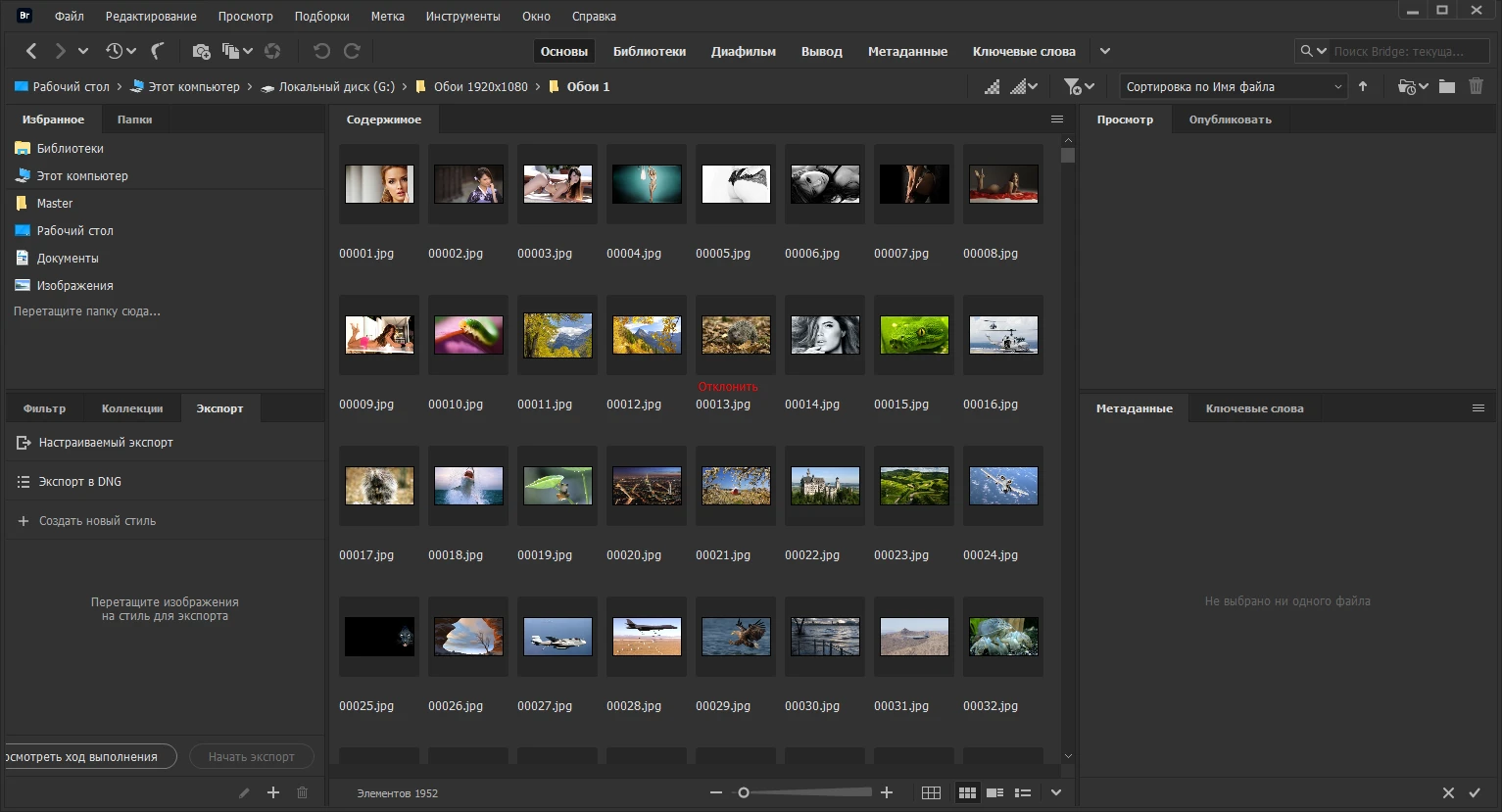
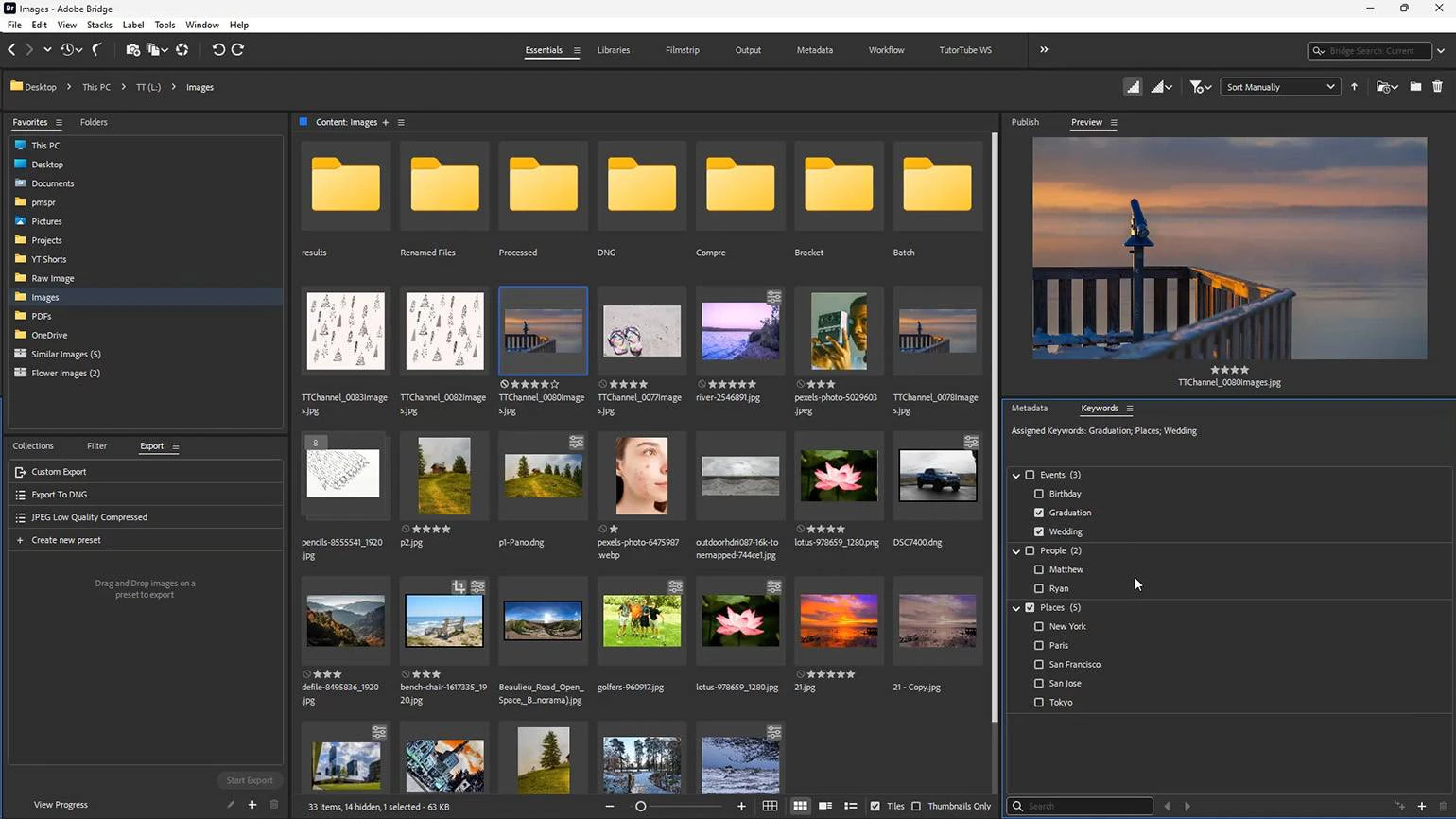
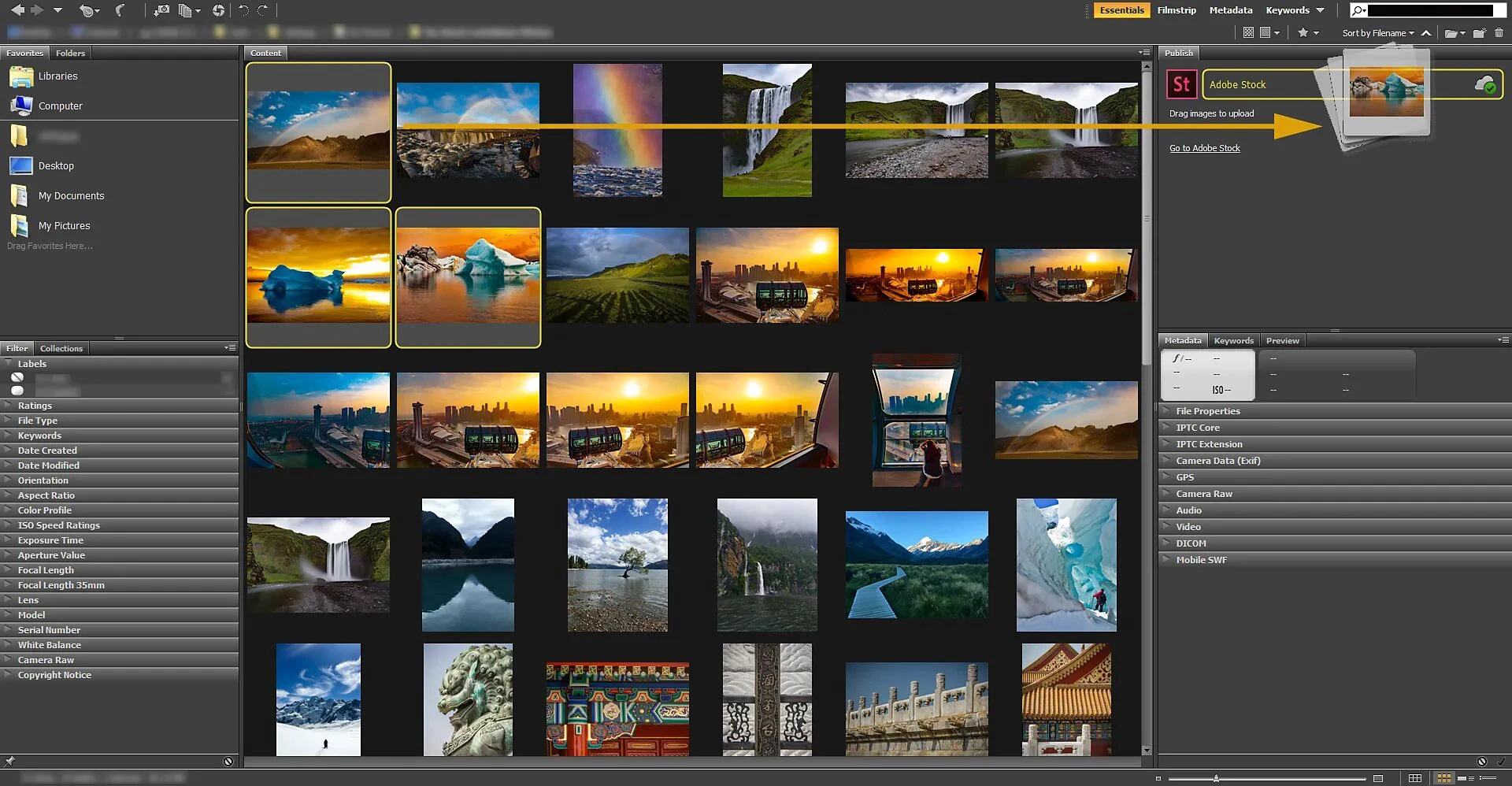
Adobe Bridge serves as the central command station for creative professionals who need to organize, browse, and manage their digital assets without the lag of opening heavy editing applications. Often overlooked in the Creative Cloud suite, this media manager acts as the visual gateway to your hard drive, allowing you to preview complex file types, add metadata, and automate repetitive tasks across thousands of files instantly. Whether you are sorting through a massive photoshoot or managing a library of vector graphics, Bridge connects your scattered files directly to applications like Photoshop, Illustrator, and After Effects.
Key FeaturesQuick Actions: The 2025 release (version 15.0) integrates directly with Adobe Express to perform common edits without ever launching Photoshop. You can now drag and drop assets onto the Quick Actions panel to instantly remove backgrounds, convert videos to GIFs, or trim media files. This eliminates the need to open resource-heavy software for simple tasks, saving significant time during rapid content creation cycles.
HEIC and HEIF Support: Windows users often struggle with the native image formats used by modern smartphones, but Bridge now solves this frustration. The software natively renders thumbnails and full-size previews for .HEIC and .HEIF files on Windows 10 and Windows 11. This addition streamlines the workflow for creators who transfer images from mobile devices to PC, allowing for immediate culling and organization without prior file conversion.
Content Credentials: In an era of AI-generated content and copyright concerns, Bridge introduces tamper-evident metadata tools. You can now attach secure attribution data to your files, ensuring that your name, edit history, and creative rights travel with the asset wherever it goes. This feature is particularly critical for agencies and freelance artists who need to verify the authenticity and ownership of their work before delivering it to clients.
Workflow Builder: Complex, multi-step processing tasks can be combined into single, repeatable workflows. Users can string together actions such as renaming files, changing formats, and resizing images into a simple drag-and-drop module. For example, a photographer can create a recipe that ingests RAW photos, renames them by date, converts them to DNG, and applies specific copyright metadata all in one go.
Centralized Camera Raw Integration: You do not need to open Photoshop to process RAW images. Bridge provides a direct interface to Adobe Camera Raw, allowing you to apply non-destructive edits, color grades, and lens corrections to your photos directly from the file browser. This makes it an incredibly fast tool for culling shoots, rating images, and applying base adjustments before moving selected files to other applications for final retouching.
Use CasesPhotographers dealing with high-volume shoots benefit immensely by using the Review mode to quickly cull and rate thousands of images before editing. Graphic designers and social media managers find the new Quick Actions indispensable for rapidly prepping assets—like turning a product shot into a transparent PNG—for immediate upload to web platforms.
Adobe Bridge remains the most efficient utility for unifying a chaotic file system, offering a level of preview visibility and automation that standard Windows Explorer simply cannot match.
Adobe Bridge 2026 — 2026-03-05
Added:
• AI-Powered Asset Discovery for automatic grouping of similar images, graphics, and videos.
• Metadata Health Check that flags inconsistent or missing tags across large collections.
• Support for UHD Contact Sheets with customizable grid templates.
Improved:
• Noticeably faster thumbnail generation for high-resolution RAW and 8K video files.
• Smoother navigation in folders containing 50k+ assets.
• More reliable color profile handling in mixed-format previews.
Fixed:
• Resolved an issue causing keyword presets to disappear after workspace resets.
• Fixed sporadic crashes when previewing corrupted media files.
• Corrected incorrect sorting when filenames included Unicode characters.