Description
Finding the right photo editing software for Windows often means choosing between complex professional suites and simple, automated tools. For many users in 2026, the sweet spot lies in software that balances ease of use with capable editing functions. This comparison examines Gilisoft Image Editor and Movavi Photo Editor, two accessible options designed to help users enhance their digital memories without a steep learning curve.
Gilisoft Image Editor
Developed by Gilisoft International, this software has evolved from a basic utility into a feature-rich editor. While Gilisoft is often recognized for its system utilities and encryption tools, its image editor has gained traction for offering practical photo manipulation tools at an aggressive price point. It targets users who need specific tasks done quickly, such as watermarking or format conversion, alongside standard retouching.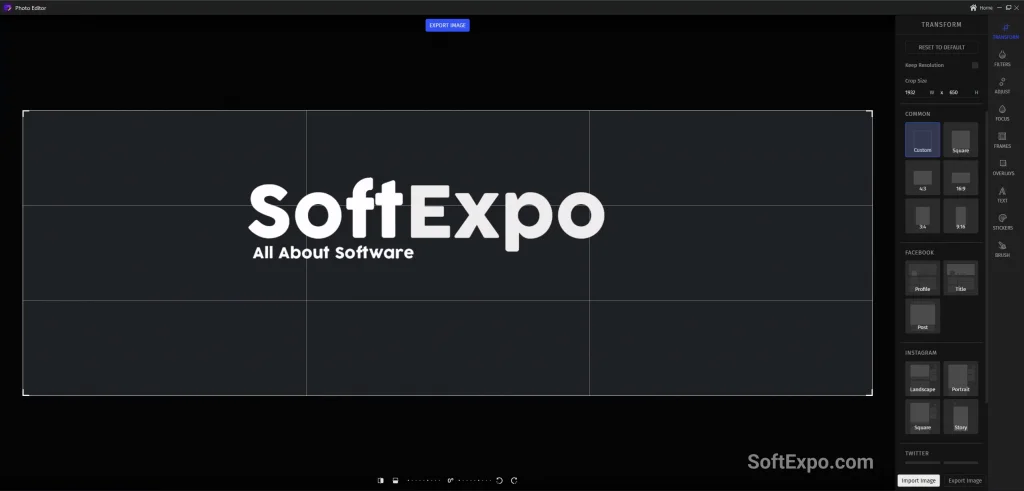
- Comprehensive Toolset: Beyond standard cropping and resizing, it includes specialized features like a dedicated photo cutter, ease-of-use collage maker, and batch processing capabilities.
- Watermarking Focus: One of its distinct advantages is strong support for text and image watermarks, making it ideal for users needing to protect their work in bulk.
- AI Integration: Recent versions (v8.5+) have introduced AI capabilities, including background removal, sky replacement, and face restoration, narrowing the gap with premium competitors.
- Lightweight Performance: It tends to run smoothly on older Windows hardware, requiring fewer system resources than heavier creative suites.
Pricing Model: Gilisoft typically offers a highly affordable lifetime license, often found for under $30 during sales, alongside a standard annual option.
Best Suited For: Users who manage large batches of photos, need reliable watermarking, or operate on older Windows machines and want a perpetual license at a budget price.
Movavi Photo Editor
Movavi has established itself as a leader in the user-friendly multimedia space. The 2025 edition of Movavi Photo Editor continues its focus on automation and high-quality AI enhancements. It is designed to remove the technical barrier from photo editing, allowing hobbyists to achieve professional-looking results with minimal manual input.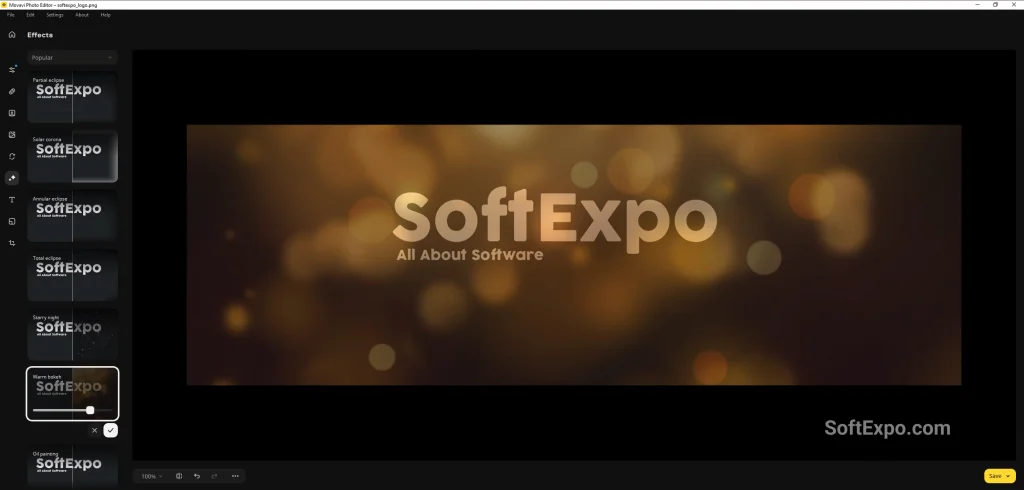
- Intelligent Restoration: Its standout feature remains the AI restoration tool, which effectively repairs old, scratched, or damaged physical photos that have been digitized.
- Object Removal: Movavi provides a refined erasure tool that intelligently fills in backgrounds when removing unwanted people or objects, often delivering cleaner results than budget alternatives.
- Modern User Experience: The interface is sleek, dark-themed, and intuitive, with sliders and presets that make adjustments visible instantly.
- Retouching Suite: It includes specialized tools for portraits, such as skin smoothing, teeth whitening, and makeup application, which are highly automated.
Pricing Model: Movavi offers both an annual subscription and a lifetime license. While slightly more expensive than Gilisoft, the lifetime option remains competitive, typically hovering around $40-$60 depending on current promotions.
Best Suited For: Hobbyist photographers and home users who want to restore old family albums, perform quick portrait touch-ups, or remove photobombers without learning complex masking techniques.
Key Differences
Interface and Usability
Movavi offers a more polished, contemporary look that mimics high-end editors while remaining simple. Its layout is clean, with tools logically grouped by function (e.g., Adjust, Retouch, Restore). Gilisoft utilizes a more functional, utilitarian interface. While easy to navigate, it feels more like a traditional Windows utility program than a modern creative studio.
AI Implementation
Both programs now feature AI tools, but their strengths differ. Movavi excels in restoration and object removal, where its algorithms generally handle complex backgrounds with greater accuracy. Gilisoft has made impressive strides with features like face swap and sky replacement, offering creative options that are fun but may lack the subtle refinement found in Movavi's retouching engine.
Batch Processing vs. Restoration
If your workflow involves processing hundreds of images for a website, Gilisoft's batch tools (especially for resizing and renaming) are often more accessible and straightforward. Conversely, Movavi wins for detailed work on individual photos, particularly if those photos are vintage scans requiring scratch removal and colorization.
Which Should You Choose?
Choose Gilisoft Image Editor if you:
- Need to watermark, resize, or convert large batches of images frequently.
- Are looking for the most budget-friendly lifetime license available.
- Prefer a lightweight tool that functions well on older Windows configurations.
- Want fun creative features like face swapping alongside standard editing.
Choose Movavi Photo Editor if you:
- Prioritize restoring old, damaged, or black-and-white family photos.
- Want the highest quality AI object removal and background replacement.
- Value a sleek, modern interface that looks and feels premium.
- Focus primarily on portrait photography and need quick beauty retouching tools.

Wondershare UniConverter VS Movavi Video Converter Comparison
Best Adobe After Effects Alternatives for Video Editing



