Capture One Pro plugins serve as specialized extensions that expand the software's native capabilities beyond raw processing and color grading. Designed for professional photographers and serious enthusiasts, these add-ons integrate external tools directly into the workflow, allowing for tasks like advanced file compression, direct gallery publishing, and specialized creative effects without leaving the ecosystem. By bridging the gap between raw development and final output, plugins reduce the need for manual file management and speed up complex post-production pipelines.
Top Capture One Pro Plugins
- JPEGmini Pro Suite: This optimization tool automatically reduces image file sizes by up to 80% without visible quality loss. It integrates directly into Capture One's export recipes, ensuring that every JPEG sent to clients or the web is optimized instantly upon export.
- SmugMug: A dedicated publishing plugin that connects Capture One directly to your SmugMug account. It allows users to create galleries, upload images, and manage collections from within the software, eliminating the need to export files to a desktop folder before uploading.
- ON1 Professional Plugins: A comprehensive suite (including Effects, Portrait AI, and NoNoise AI) that functions via a round-trip workflow. These tools offer creative filters, advanced noise reduction, and AI-driven retouching capabilities that complement Capture One’s native toolset.
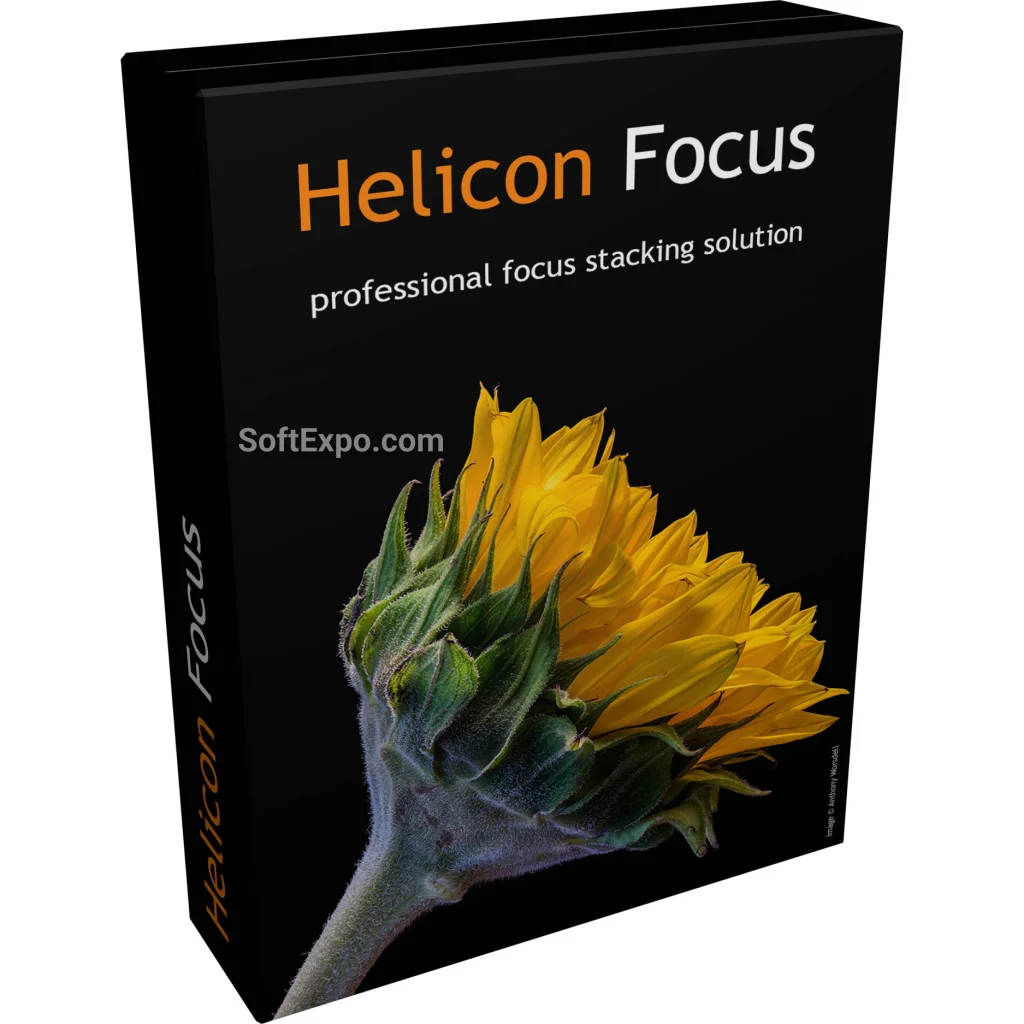
- Helicon Focus: While often used as a standalone, the plugin integration allows for an automated round-trip for focus stacking. It processes raw files from Capture One, stacks them for infinite depth of field, and returns the final DNG or TIFF back to your session or catalog.
Features and Capabilities
The primary function of these plugins is to streamline specific bottlenecks in a photography workflow. Export Integration is a key feature found in tools like JPEGmini and SmugMug. These plugins reside within the "Publish" or "Export" tabs, allowing you to apply actions—such as compression or uploading—as the final step of the processing batch. This automation ensures consistency and saves significant time when handling large volumes of images.
Round-Trip Editing represents the second major category of features, utilized by ON1 and Helicon Focus. Since Capture One does not support third-party pixel-layer plugins directly in the raw interface, these extensions use an "Edit With" command. This process generates a high-quality intermediate file (typically TIFF or PSD), opens it in the external software for specialized adjustments (like complex masking or focus merging), and automatically imports the finished file back into the Capture One browser alongside the original raw file.
System Requirements
To run these plugins effectively in 2026, a modern Windows environment is essential. Most current versions of these extensions require Windows 10 (64-bit, latest builds) or Windows 11. Integration typically relies on Capture One Pro 22 (15.3) or newer, with the latest 2025/16.x builds offering the most stable performance for third-party tools.
Hardware requirements generally mirror those of the host software, demanding a multi-core processor and at least 16GB of RAM. However, computational plugins like ON1 or Helicon Focus benefit significantly from a dedicated GPU with at least 4GB to 8GB of VRAM to accelerate AI processing and rendering tasks.
Best Use Cases
Event and Wedding Photographers benefit most from JPEGmini and SmugMug. The ability to export thousands of full-resolution images that utilize less drive space and upload faster is a significant advantage for client delivery timelines. The streamlined publishing process removes the friction of manual uploads.
Macro and Product Photographers will find the Helicon Focus integration indispensable. The native focus merging in Capture One is capable, but Helicon Focus often handles complex overlapping structures with greater precision, making the round-trip workflow a standard for commercial product work.
Creative Portrait Artists should look to the ON1 suite. While Capture One has excellent color grading, ON1 Effects provides stylized filters and texture overlays that are difficult to replicate manually. The round-trip workflow allows for a "best of both worlds" approach: superior raw processing in Capture One, followed by stylized finishing in ON1.