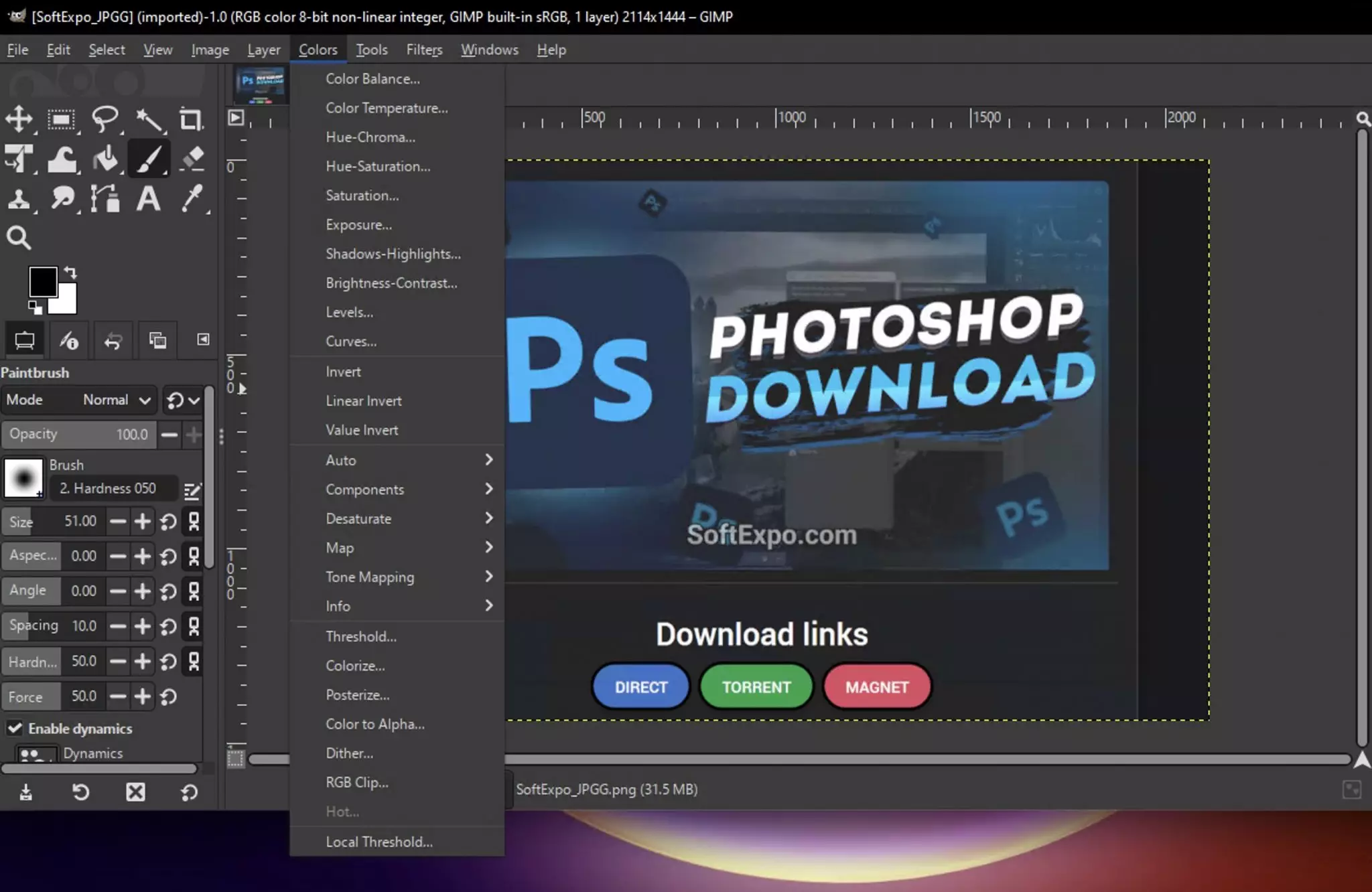
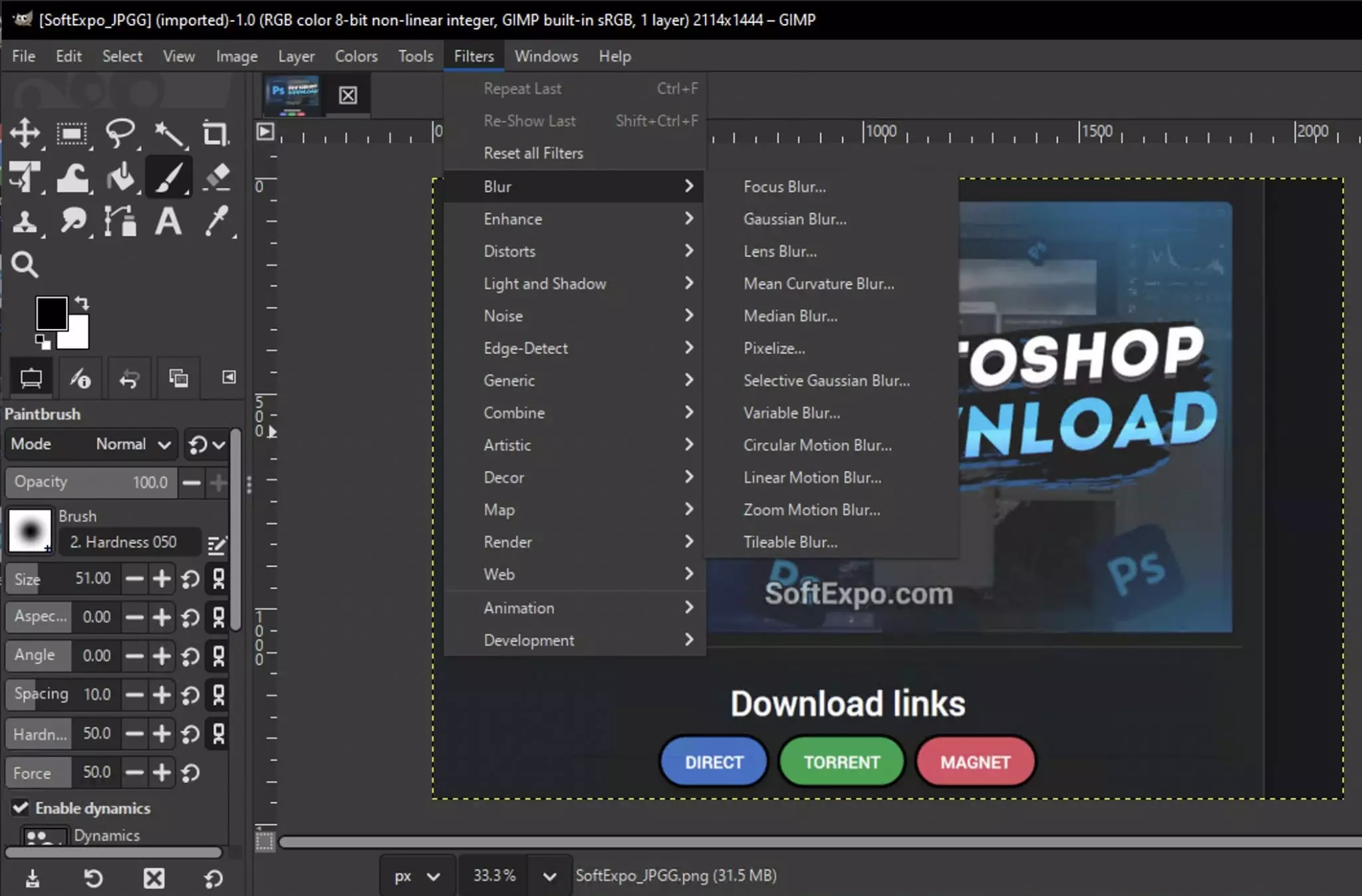
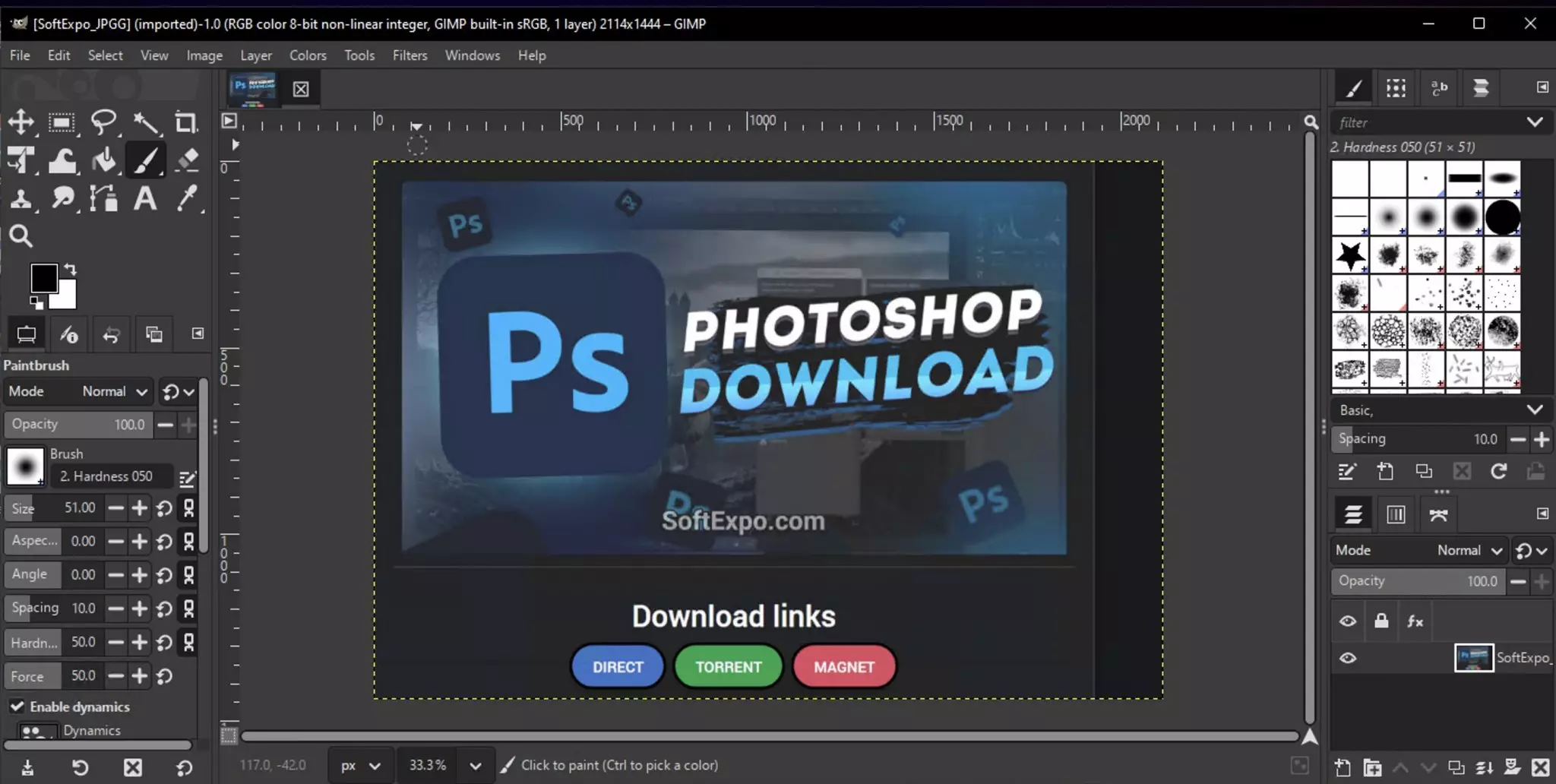
GIMP (GNU Image Manipulation Program) stands as the definitive open-source solution for high-end image manipulation and graphic design. By removing the barrier of costly monthly subscriptions, it grants artists, photographers, and designers full access to professional-grade tools for retouching, compositing, and authoring. This raster graphics editor provides granular control over every pixel, allowing you to execute tasks ranging from simple photo adjustments to elaborate digital painting and image restoration. Its adaptability makes it a staple for Windows users who require a versatile studio environment without the proprietary lock-in.
Key Features- GEGL Image Processing Engine: At its core, the software utilizes the Generic Graphics Library (GEGL) to handle image processing, enabling high bit-depth support of up to 32-bit floating point per channel. This architecture allows for clearer, smoother gradients and ensures that repeated edits do not degrade image quality over time.
- Professional Color Management: The application includes built-in LittleCMS v2 support, giving users precise control over color reproduction for print and web. You can assign generic or custom color profiles to your display and images, ensuring that what you see on your monitor matches the final exported file.
- Customizable Interface on GTK3: The modernized interface offers full support for HiDPI and high-resolution displays on Windows 10 and Windows 11. Users can completely reorganize dockable dialogs, adjust icon sizes, and switch between dark or light themes to create a workspace that minimizes distractions.
- Multi-Layer Handling: Managing complex projects with dozens of elements is straightforward thanks to the ability to select and transform multiple layers at once. You can move, group, or apply operations to several design components simultaneously, which drastically reduces the time spent on housekeeping tasks within the layer stack.
- Hardware Acceleration: To ensure responsiveness during intensive tasks like filtering or painting with large brushes, the application takes advantage of OpenCL hardware acceleration, distributing the computational load to your graphics card for faster rendering.
Digital photographers often employ this editor for its advanced healing tools and perspective correction features, which are vital for architectural and portrait retouching. Furthermore, indie game developers and texture artists use the tiling and noise filters to generate tileable textures for 3D environments, running reliably on Windows 10 and Windows 11 workstations.
GIMP continues to prove that open-source software can compete with industry standards, offering a comprehensive and customizable creative suite that respects user freedom and budget.