GIMP Photo Editor is a comprehensive, open-source raster graphics editor designed for high-quality image manipulation, artwork creation, and graphic design elements. As a professional-grade tool maintained by a dedicated community of volunteers, it serves as a powerful alternative to paid industry standards, offering advanced capabilities for photographers, illustrators, and designers. The release of the version 3.0 series has modernized the software significantly, bringing long-awaited architectural changes that enhance performance and usability on modern Windows systems.
Key Features
- Non-Destructive Editing: Apply filters and effects to layers without permanently altering the original pixels, allowing for flexible adjustments at any stage of the design process.
- Multi-Layer Handling: Select, move, and transform multiple layers simultaneously, streamlining workflows for complex compositions with high layer counts.
- Advanced Color Management: Integrated high-fidelity color management ensures accurate reproduction across digital and print media, with support for CMYK simulation and varied color profiles.
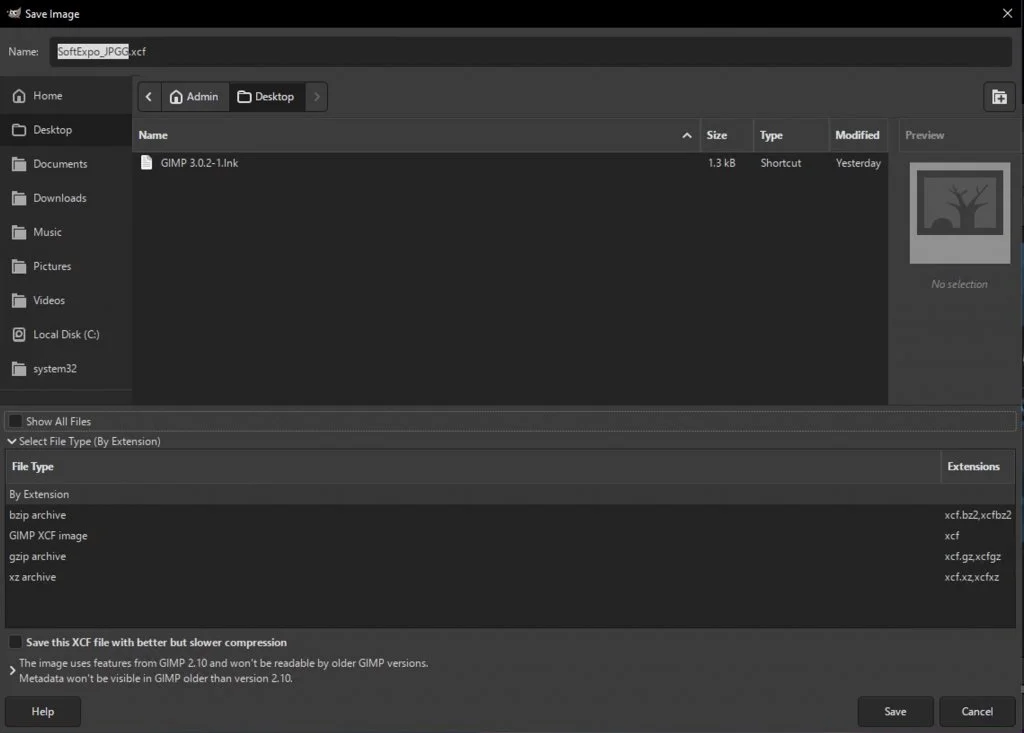
- Extensive Format Support: Opens and exports a vast array of file types including PSD, JPEG XL, HEIC, WebP, and DDS, ensuring compatibility with diverse workflows.
- Professional Paint Tools: Includes a full suite of brushes, pencils, clones, and gradient tools with sub-pixel sampling for high-quality anti-aliasing.
- Scripting Capabilities: Automate repetitive tasks using the updated Python 3 scripting engine or Scheme, allowing for custom tool creation and batch processing.
User Interface
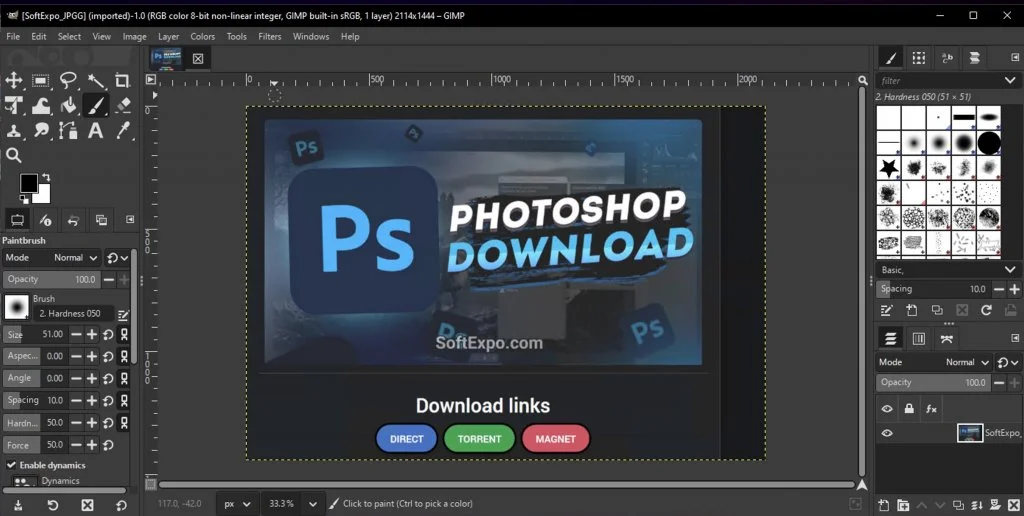
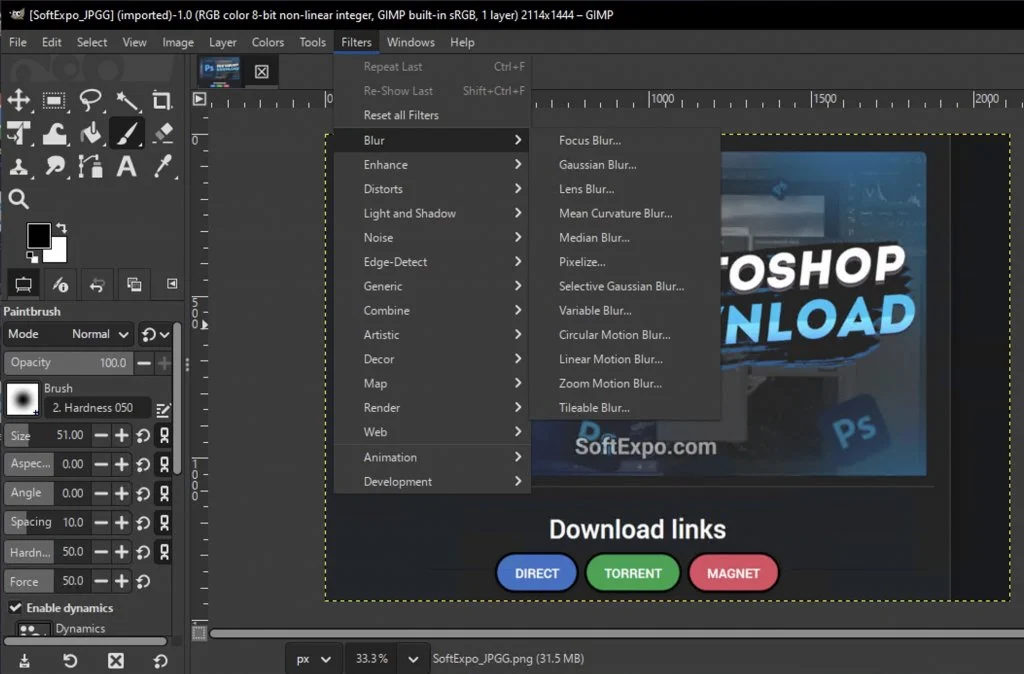
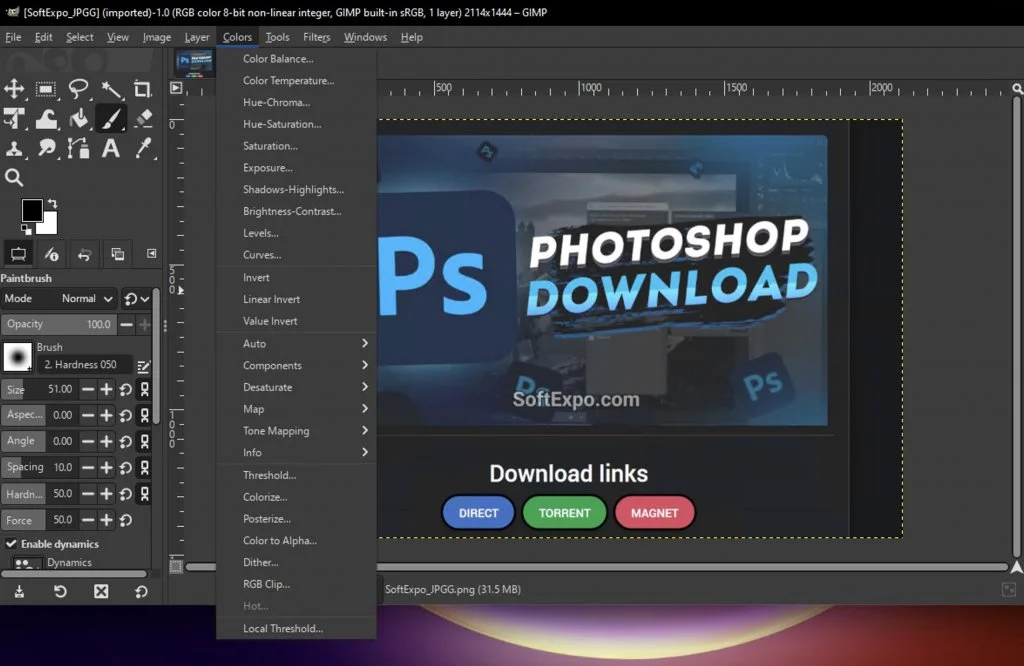
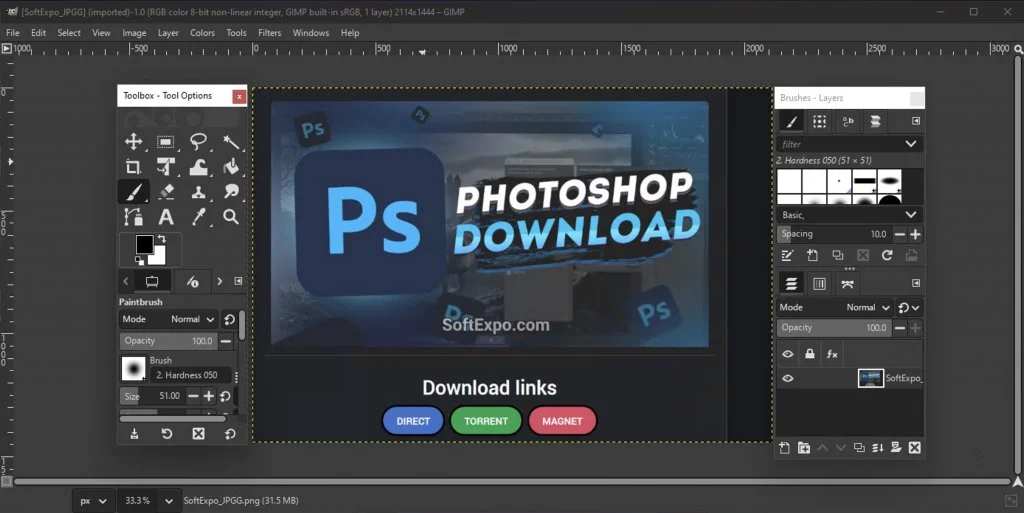
The interface has undergone a major overhaul in the move to the GTK3 toolkit, resolving previous scaling issues on high-resolution displays. Users on 4K or HiDPI monitors will notice crisp text and icons that respect system scaling settings. The layout remains highly customizable, featuring a single-window mode that keeps all panels contained, though multi-window mode is still available. Dialogs are dockable and tabbed, allowing users to configure their workspace exactly to their needs. While the depth of features implies a learning curve, the modernized themes (Dark, Gray, Light) and clearer iconography make navigation more intuitive than in previous iterations.
Extensions and Plugins
GIMP supports a wide range of extensions that expand its core functionality. The new extension management system simplifies the process of finding and installing third-party add-ons. Users can access thousands of scripts and plug-ins, ranging from the popular G'MIC for hundreds of preset filters to specialized tools for noise reduction and texture generation. The shift to Python 3 for scripting ensures that new plugins are secure and performant, while legacy support remains available for older scripts.
System Requirements
- Operating System: Windows 10 (version 1903 or newer) or Windows 11 (64-bit only).
- Processor: Dual-core processor or better (Quad-core recommended for large images).
- RAM: 4 GB minimum (16 GB or more recommended).
- Display: 1280 x 768 minimum resolution.
- Storage: 1 GB of available hard-disk space for installation.