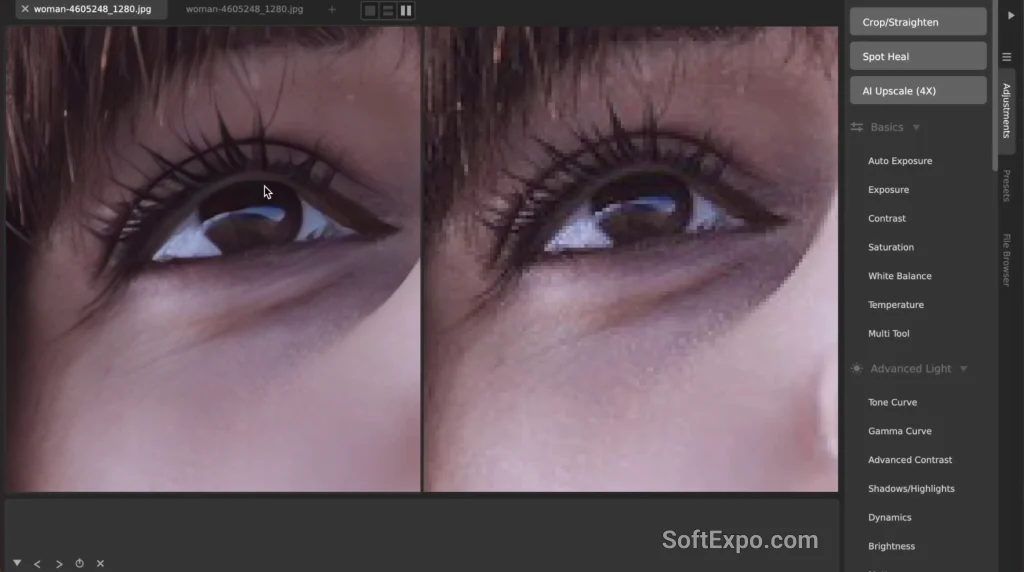
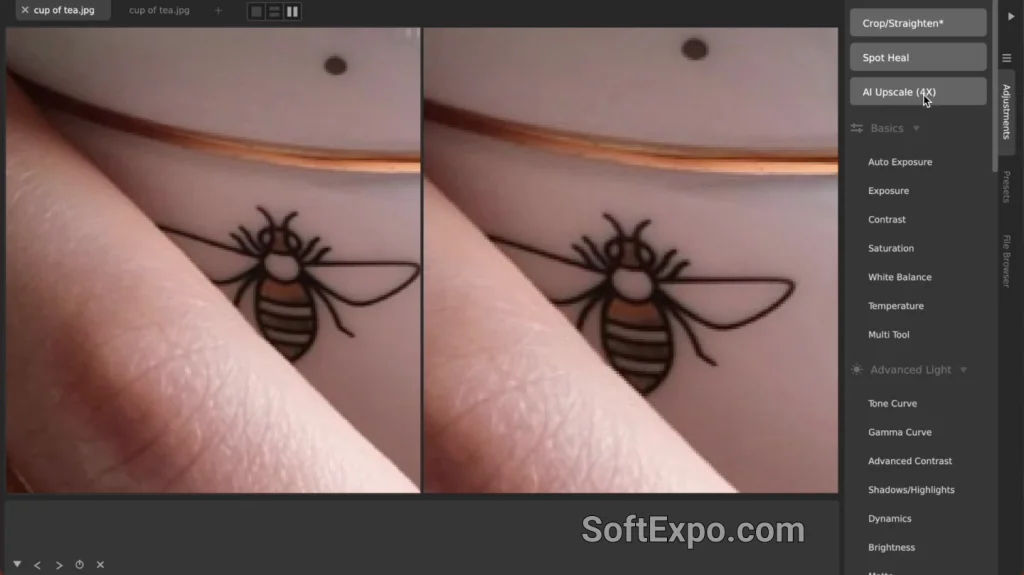
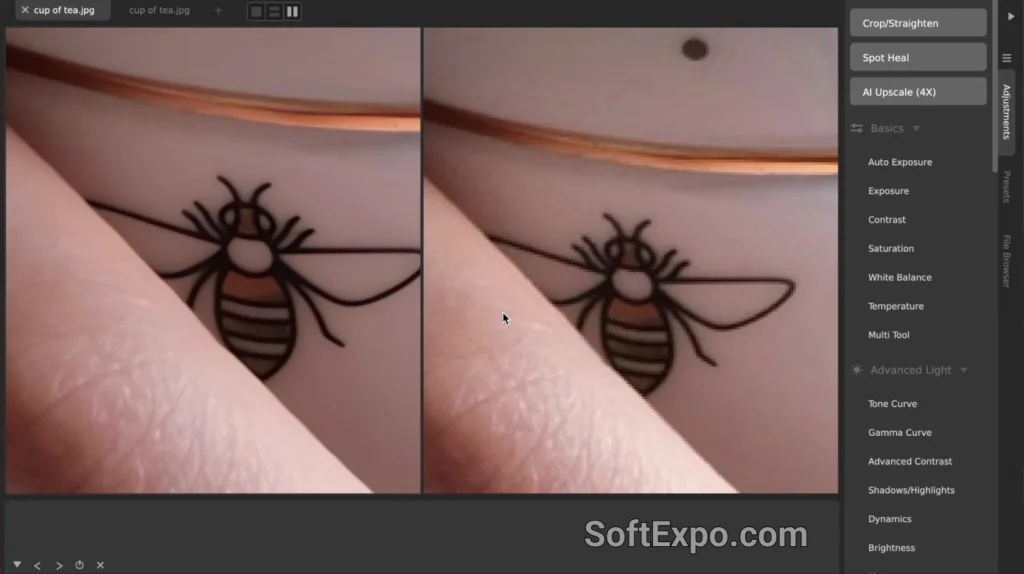
CameraBag Pro has expanded its toolkit with the addition of AI Upscale, a feature designed to intelligently increase the resolution of images while preserving detail. Originally introduced in version 2024.1 with a 4X magnification capability, the tool has been refined in the recent 2026.0 update to include a flexible 2X option, giving users more control over their final output size.
What's New: AI Upscale
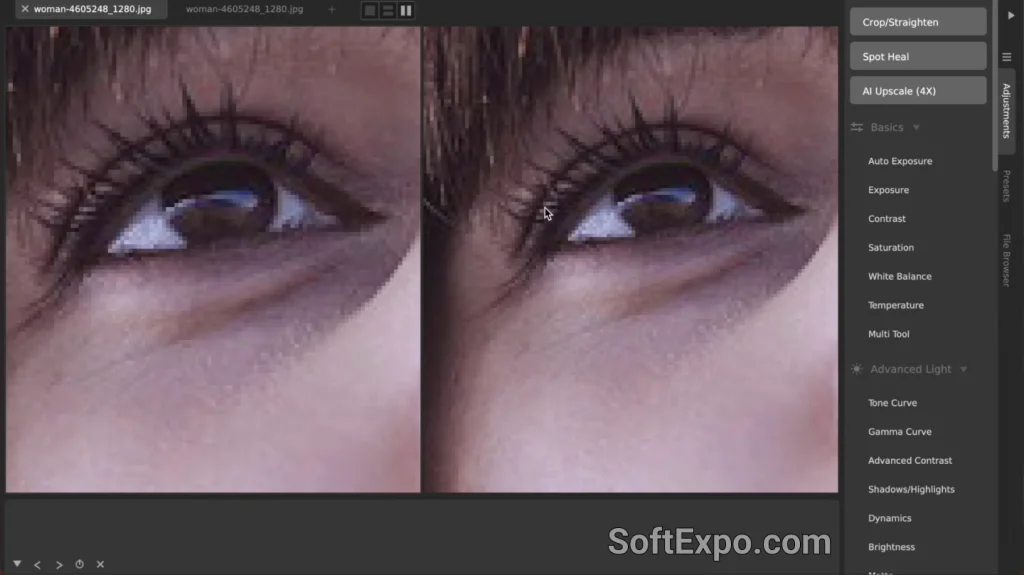
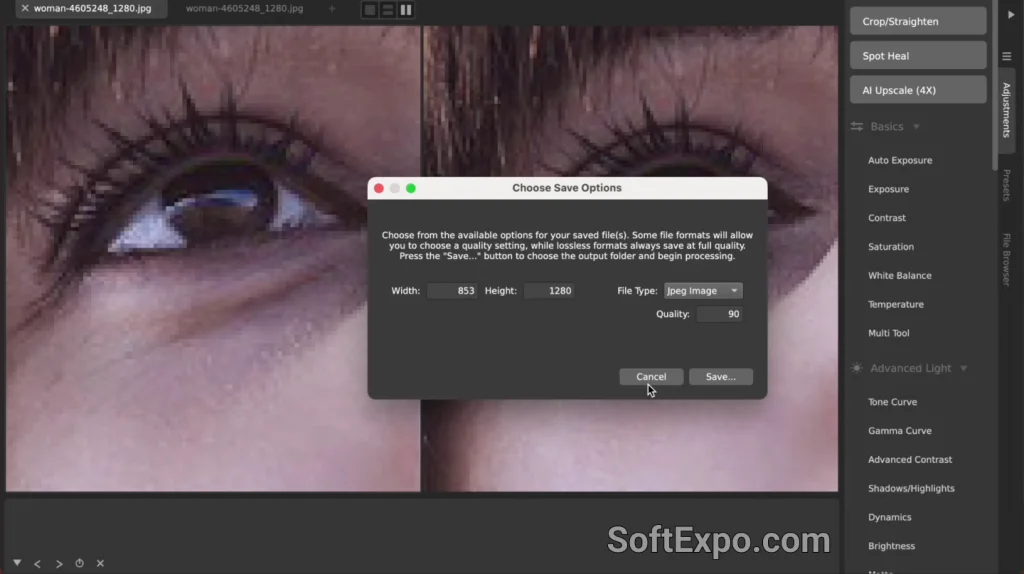
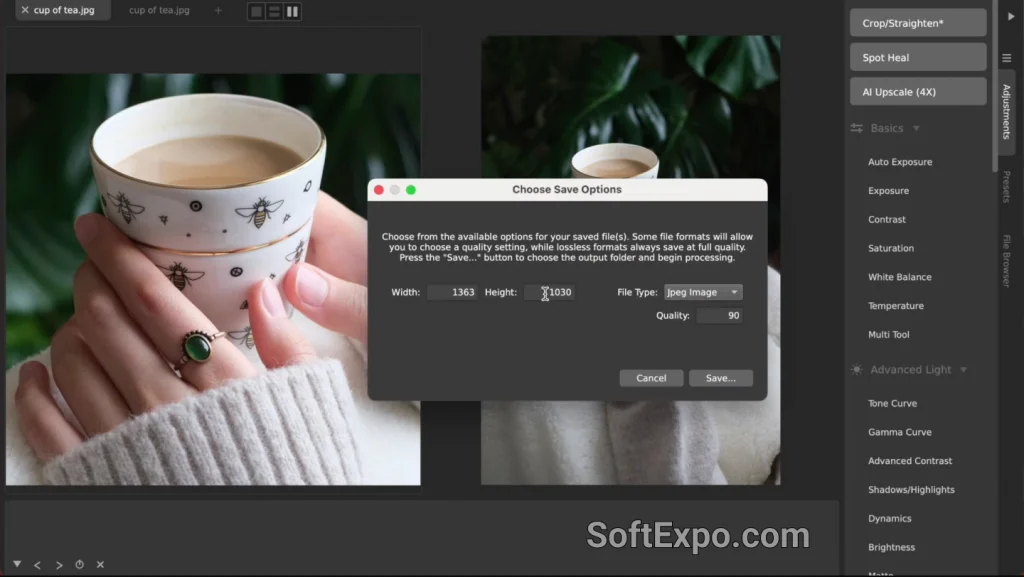
The AI Upscale tool employs a deep learning network that runs entirely locally on your machine, ensuring that no data is ever sent to the cloud. This approach prioritizes privacy and speed, allowing for unlimited use without the subscription fees or credit limits often associated with web-based upscalers. The technology analyzes the image to predict and fill in missing details, resulting in a sharper, higher-resolution file rather than a simple pixelated stretch. With the latest update, users can choose between quadrupling their image size or a more moderate doubling, supporting final resolutions of up to 10,000 pixels on the longest side.
How to Access This Feature
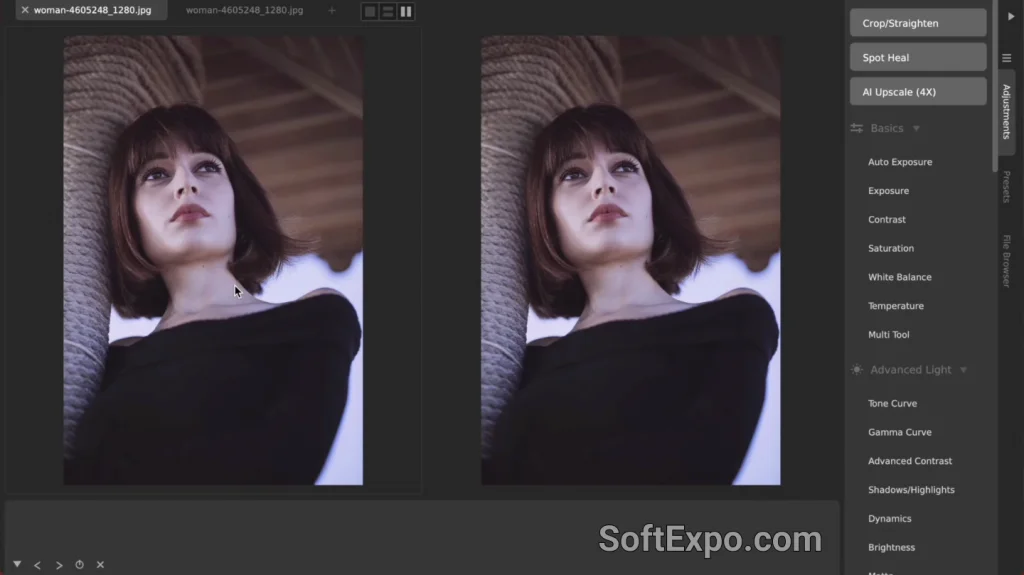
Finding the AI Upscale tool is straightforward within the CameraBag Pro interface on Windows. You can access it directly via the Edit menu at the top of the window, or by locating the dedicated buttons in the Adjustments tab on the right side of the screen. Look for the buttons labeled "AI Upscale (4X)" or the newly added "AI Upscale (2X)." Clicking either button immediately initiates the process. Since the calculation happens on your hardware, processing time may vary depending on your specific Windows system specifications, particularly your graphics card.
Practical Applications
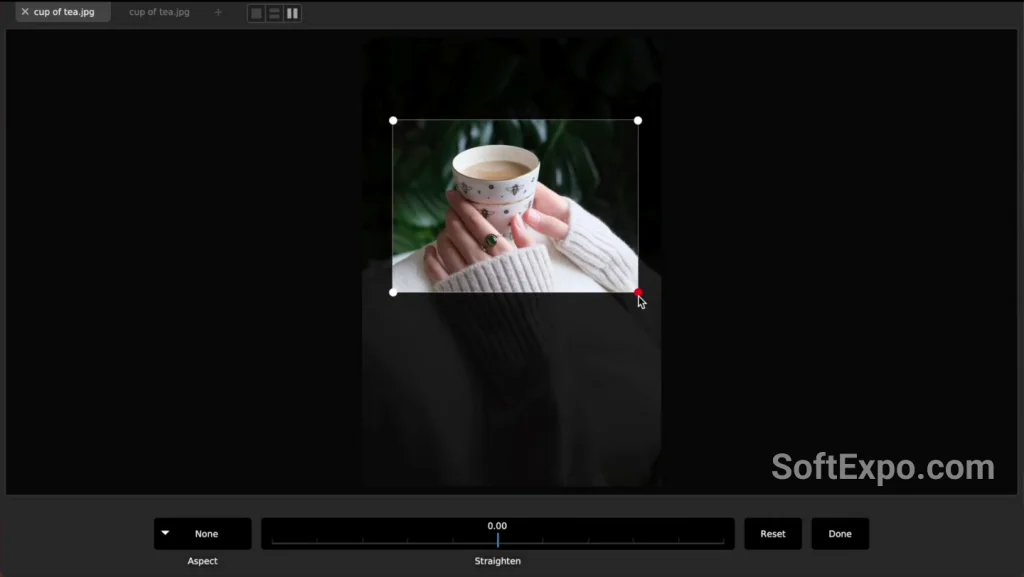
This feature is particularly valuable for photographers who need to salvage aggressive crops. If you crop a landscape photo significantly to focus on a distant subject, the remaining resolution might be too low for a quality print. AI Upscale can restore the necessary pixel count to produce a sharp physical print. It is also highly effective for digital artists working with older, low-resolution assets or anime stills, where the AI can smooth out artifacts and generate clean lines at modern display resolutions.