


Wondershare UniConverter 17 serves as a comprehensive multimedia toolbox designed to handle virtually every aspect of video processing for content creators, educators, and professionals. It consolidates format conversion, file compression, editing, and optical media burning into a single utility, eliminating the need for multiple disparate applications. The software targets users who require high-quality output without the steep learning curve associated with professional non-linear editing systems.
Key Features
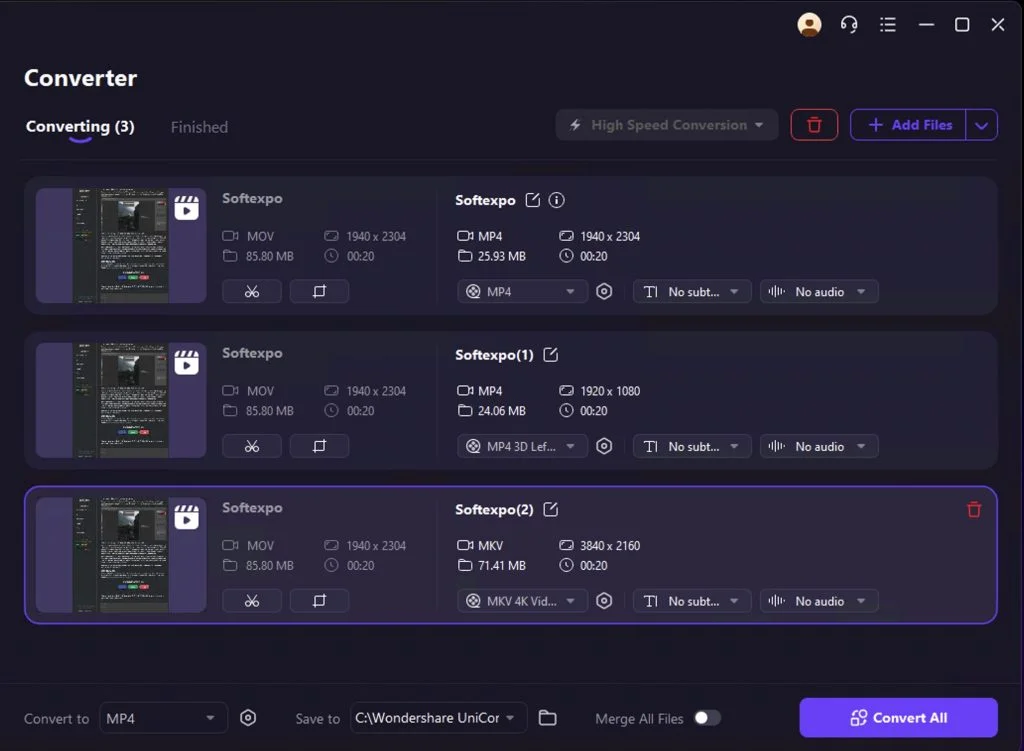
- Extensive Format Support: Capable of converting video and audio files between over 1,000 formats, including modern standards like HEVC, AV1, and VP9, ensuring compatibility across all modern playback devices.
- AI-Powered Enhancements: Features a dedicated AI Lab that includes tools for upscaling resolution, removing background noise, isolating vocals from music tracks, and automatically generating subtitles.
- High-Speed Compression: Utilizes an advanced compression algorithm that can reduce file sizes by up to 90% without significant quality loss, ideal for archiving or web streaming.
- GPU Acceleration: Leverages hardware acceleration from major graphics card manufacturers to boost conversion speeds significantly, handling 4K and 8K footage with stability.
- Screen Recording: Includes a versatile screen recorder that captures desktop activity, webcam feeds, and audio simultaneously, suitable for creating tutorials or recording meetings.
- Disc Burning: Provides built-in functionality to burn media to DVD and Blu-ray discs, complete with customizable menu templates for a professional finish.
User Interface
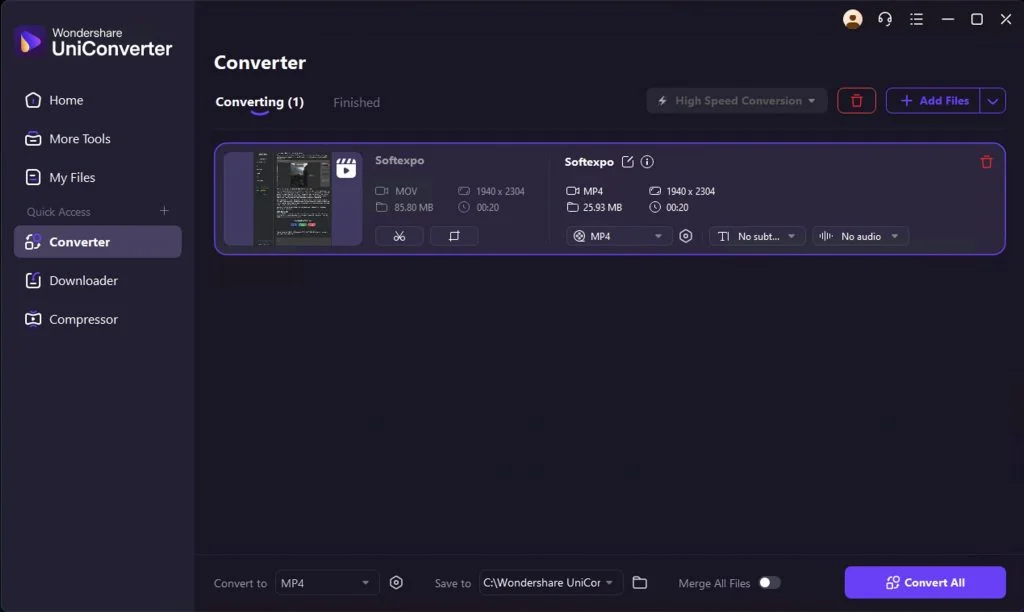
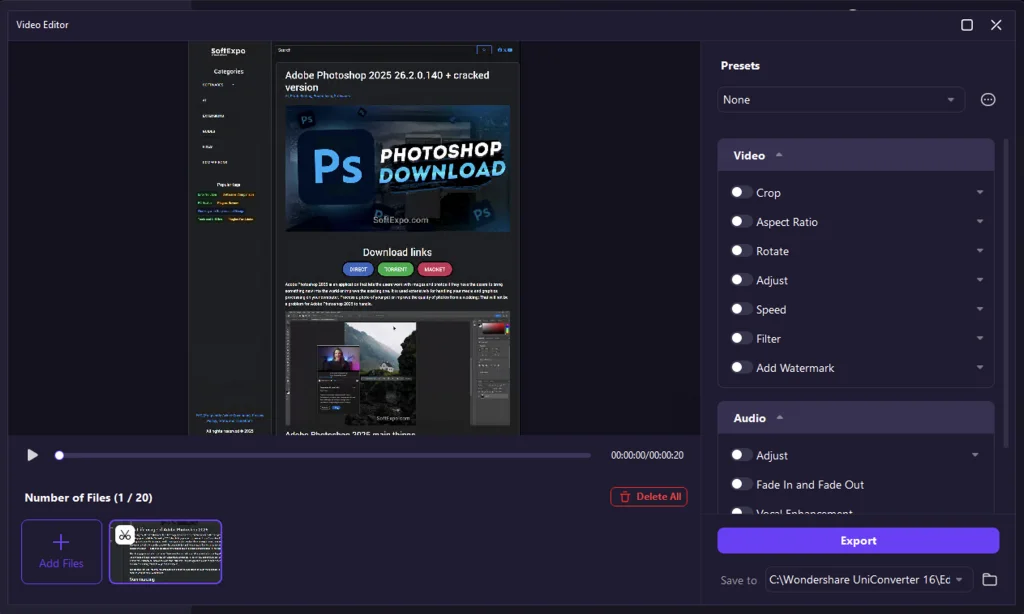
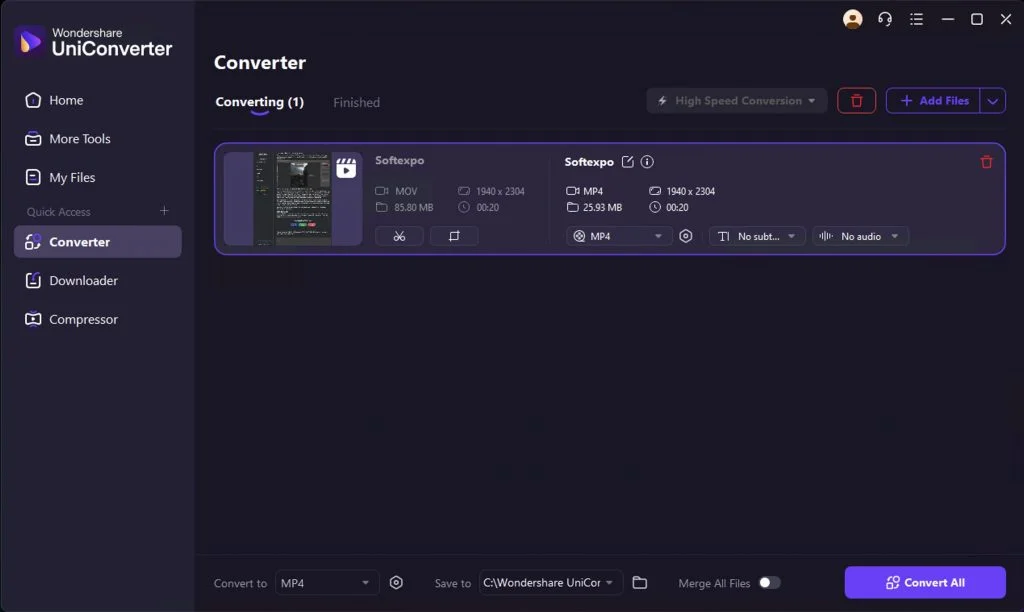
The interface of Wondershare UniConverter is designed with a focus on accessibility and efficiency, featuring a clean, modern layout that organizes tools into logical categories. Upon launching the application, users are greeted by a unified dashboard that highlights frequently used modules like the Converter, Compressor, and Editor. The navigation sidebar allows for quick switching between different utilities, ensuring that even users with limited technical experience can locate the specific tool they need immediately. Icons are large and intuitive, and the dark-themed workspace reduces eye strain during extended editing sessions.
Extensions and Plugins
While Wondershare UniConverter functions primarily as a standalone suite, it integrates connectivity options to enhance workflow efficiency. The software supports a downloadable browser extension that facilitates direct video downloading from thousands of hosting sites, streamlining the process of grabbing assets for offline use. Internally, the application utilizes a modular component system; specialized features such as the AI Portrait and Vocal Remover tools are downloaded on-demand within the interface. This approach keeps the initial installation footprint manageable while allowing users to expand capabilities as needed.
System Requirements
To ensure optimal performance, particularly when utilizing AI features and high-resolution rendering, the software requires a capable Windows environment.
- Operating System: Windows 10, Windows 11 (64-bit required)
- Processor: Intel or AMD processor, 2 GHz or faster (multicore processor recommended for AI tasks)
- Memory: 4 GB RAM minimum (8 GB or higher recommended for HD and 4K video handling)
- Graphics: Dedicated GPU recommended for hardware acceleration
- Storage: 2 GB of free hard disk space for installation