Description
While Notepad++ has reigned as a staple in the Windows utility belt for years, the software landscape in 2026 offers compelling reasons to explore other options. Some users find its interface dated, while others require better integration with modern development workflows or simply improved performance with massive files. This guide highlights five top-tier Windows-based text editors that serve as excellent replacements, ranging from lightweight scripts editors to full-featured coding environments.
Visual Studio Code
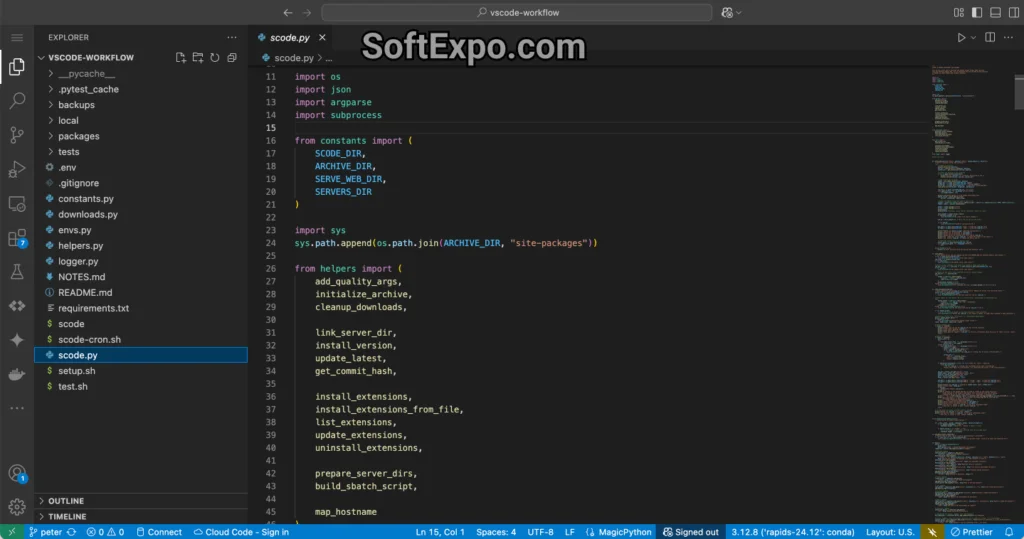
Microsoft's Visual Studio Code (VS Code) has effectively become the industry standard for general-purpose coding on Windows. It balances the accessibility of a text editor with the power of an Integrated Development Environment (IDE). Unlike Notepad++, VS Code is built with a vast ecosystem of extensions that allow you to customize it for virtually any language or file type. It is updated monthly, ensuring security and feature sets remain current.
- IntelliSense: Smart completion based on variable types, function definitions, and imported modules.
- Integrated Terminal: Run command-line tasks directly within the editor window.
- Git Control: Built-in version control support makes reviewing diffs and staging commits effortless.
- Extension Marketplace: Tens of thousands of plugins to add themes, languages, and debuggers.
Best for: Developers who need a complete, modern coding environment with extensive plugin support.
Pricing: Free (Open Source options like VSCodium are also available)
Sublime Text 4
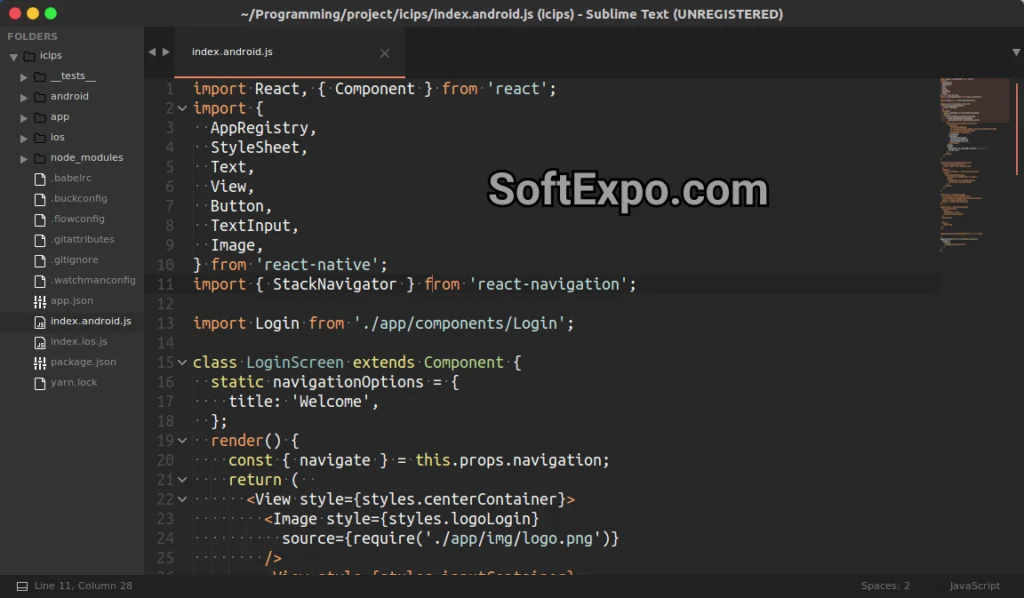
Sublime Text remains the gold standard for speed and responsiveness. If your primary frustration with other editors is startup time or lag, this is the solution. It is engineered to handle thousands of lines of code without a stutter. The interface is distraction-free by default but hides deep functionality under the hood, accessible almost entirely via keyboard shortcuts. Its "Goto Anything" feature allows for rapid navigation through files and symbols.
- Performance: Instant startup and fluid UI, even on older Windows hardware.
- Multiple Selections: Rename variables or manipulate text in several places simultaneously.
- Command Palette: Access almost any function or setting via a searchable menu.
- Split Editing: View multiple tabs or different sections of the same file side-by-side.
Best for: Power users who prioritize raw speed and keyboard-centric workflows.
Pricing: Free evaluation (unlimited time), License costs $99 USD
CudaText
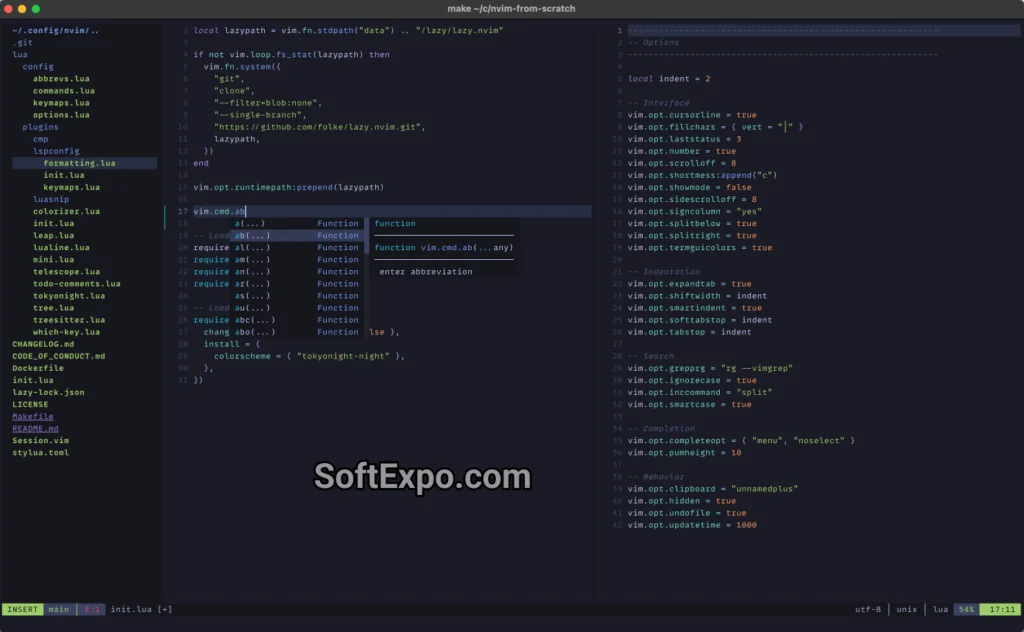
CudaText is a sleeper hit in the open-source community, offering a modern feature set without the heavy resource usage of Electron-based editors like VS Code. Written in Lazarus/Object Pascal, it starts instantly and consumes minimal RAM. It positions itself as a "modern retro" editor—keeping the classic feel that Notepad++ users enjoy but upgrading the engine with Python-based plugins and a highly configurable interface. It was actively updated in early 2026.
- Code Tree: Visual sidebar for navigating functions and classes within your file.
- Binary/Hex Viewer: Native support for viewing and editing non-text files.
- Multi-Caret Editing: similar to Sublime Text, allowing complex text manipulation.
- JSON Configuration: Settings are handled via simple JSON files for easy backup and portability.
Best for: Users seeking a free, open-source alternative that feels lighter than VS Code.
Pricing: Free (Open Source)
Notepad3
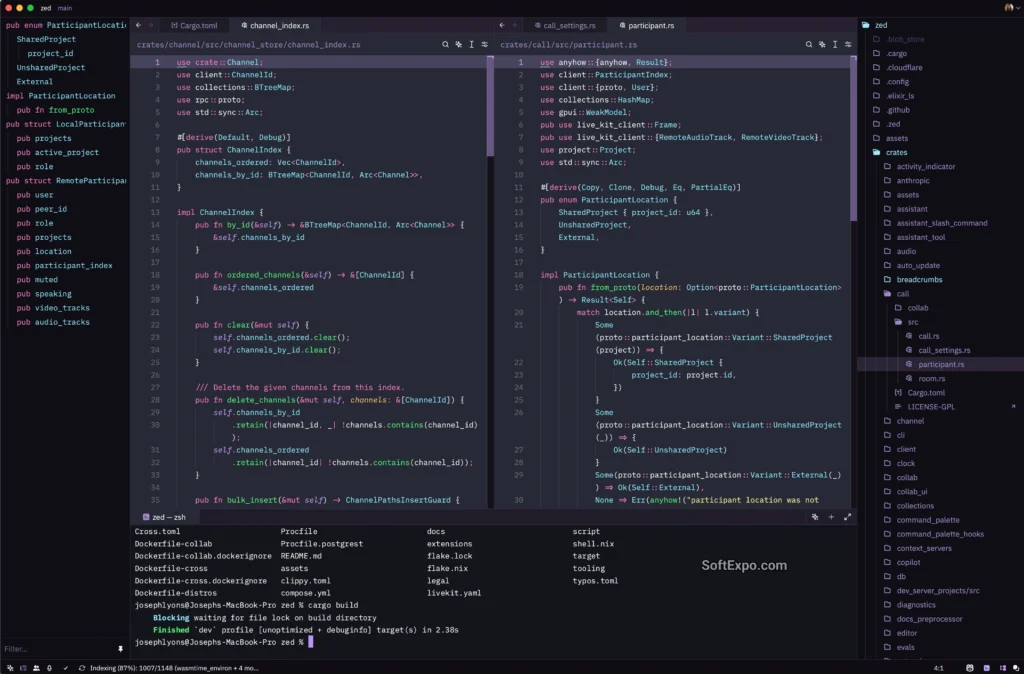
For users who use Notepad++ primarily as a replacement for the default Windows Notepad rather than for heavy coding, Notepad3 is the logical successor. It is extremely lightweight, fast, and Scintilla-based (like Notepad++). The goal of Notepad3 is to be the best possible version of a simple text editor. It does not try to be an IDE; it simply edits text files exceptionally well with essential syntax highlighting.
- Drop-in Replacement: Can completely replace the default Windows Notepad executable.
- Lightweight Footprint: Opens instantly with negligible system impact.
- Essential Features: Includes line numbering, syntax highlighting, and character encoding support.
- Portable: Runs without installation, perfect for USB toolkits.
Best for: General text editing, configuration files, and quick script modifications.
Pricing: Free
UltraEdit
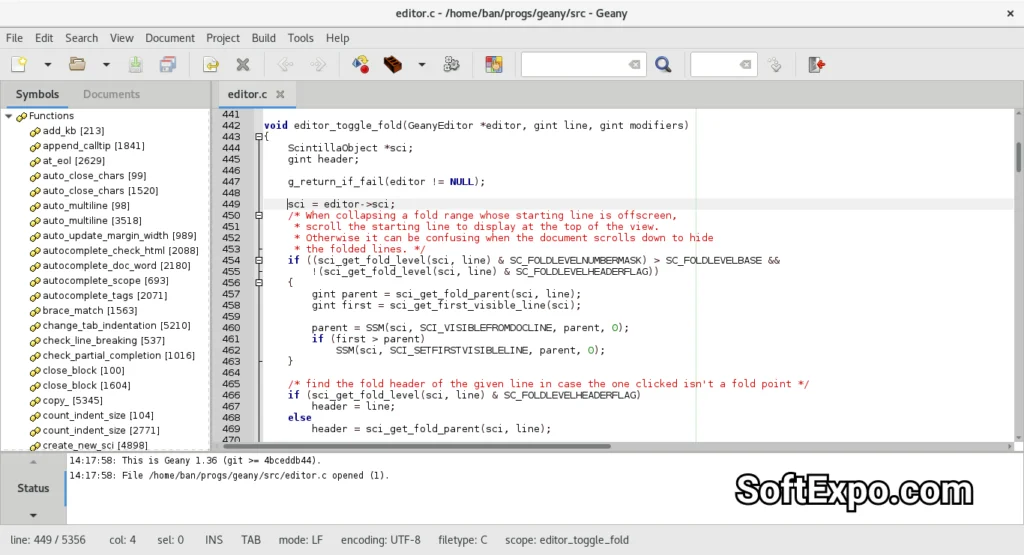
UltraEdit is a commercial powerhouse designed for enterprise environments and handling massive data files. If you frequently work with log files exceeding 4GB or need professional support, this is the industry leader. It offers column-mode editing and disk-based text editing that allows it to open files that would crash other editors. It includes integrated FTP/SFTP support and file comparison tools out of the box.
- Large File Handling: Easily opens files exceeding 4GB without using excessive RAM.
- Column Mode: Advanced multi-line editing and data sorting capabilities.
- Integrated Tools: Includes file comparison (UltraCompare) and secure FTP client.
- Themes and Layouts: Highly customizable interface to match specific workflows.
Best for: IT professionals and data analysts working with huge logs or legacy data.
Pricing: Subscription approx. $99.95/year or Perpetual License options
Quick Comparison
| Software | Best For | Price | Key Advantage |
|---|---|---|---|
| Visual Studio Code | Full Development | Free | Massive extension ecosystem |
| Sublime Text 4 | Speed & Performance | $99 (Free trial) | Unmatched speed & responsiveness |
| CudaText | Lightweight Coding | Free | Fast native app with Python plugins |
| Notepad3 | Text Replacement | Free | True Windows Notepad replacement |
| UltraEdit | Large Data Files | ~$99/year | Opens 4GB+ files easily |
Which Alternative Is Right for You?
Choosing the right tool depends entirely on your daily tasks. If you are a developer looking for a modern environment with debugging and Git support, Visual Studio Code is the clear winner. For power users who demand speed and efficiency above all else, Sublime Text 4 remains unbeatable.
If you prefer an open-source tool that mimics the lightweight feel of Notepad++ but offers modern features, try CudaText. For those who simply need a better Notepad for quick edits and config files, Notepad3 is the perfect fit. Finally, if you deal with gigantic log files or enterprise data, UltraEdit is the professional choice.

KMPlayer Top Alternatives 2025

Avant Browser Top Alternatives: 2025 Guide