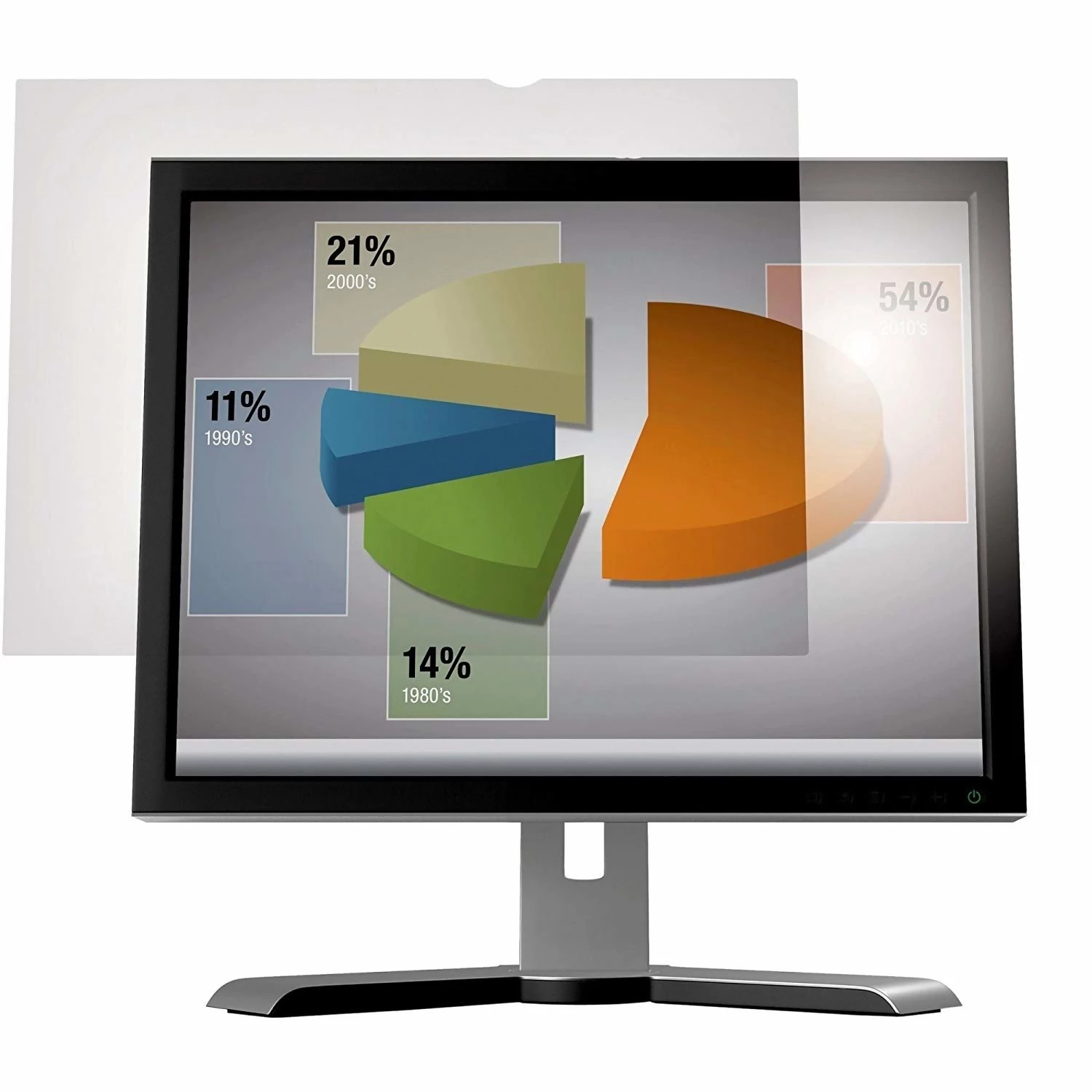
Digital eye strain has become a common challenge for office workers and late-night readers alike, often caused by harsh blue light and excessive screen brightness. Anti-Glare is a specialized desktop utility designed to combat these issues by applying customizable digital filters directly to your display, eliminating the need for expensive physical screen protectors. Developed by Software Creations, combines essential dimming capabilities with accessibility tools to create a more comfortable viewing environment on Windows systems.
Key Features
- Customizable Color Filtration: Users can apply a full-screen colored overlay to dampen harsh whites and bright backgrounds. This feature allows you to select specific tints that feel most comfortable for your eyes, effectively reducing the perceived glare without altering your monitor's hardware settings.
- Integrated Screen Magnifier: Unlike standard dimming tools, this software includes a built-in zoom tool capable of 3x to 10x magnification. This helps users view small text or detailed images without leaning closer to the screen, further reducing physical strain.
- Blue Light Reduction: The application offers specialized filter settings designed to neutralize blue light emissions. This is particularly helpful during evening hours, as reducing blue light exposure can help maintain natural sleep cycles and prevent headaches associated with prolonged computer use.
- Smart Fading Technology: The software features an intelligent fading option that gradually adjusts the filter's intensity. This allows your screen to automatically lighten or darken based on your preferences, helping your vision adapt naturally to changing ambient light conditions.
- Personalized Image Overlay: For a unique desktop aesthetic, users can upload personal photos to use as semi-transparent textures. This transforms the standard dimming layer into a custom background effect while maintaining text readability through adjustable transparency levels.
Use Cases
This utility is ideal for professionals working late shifts who need to lower monitor brightness below standard hardware limits to avoid disturbing others or straining their eyes. It also serves users with visual impairments who benefit simultaneously from the high-contrast color filters and the integrated magnification tool to navigate complex documents.
Anti-Glare provides a practical, software-based alternative to physical monitor filters, offering versatile protection and comfort for Windows 10 and Windows 11 users.
Version 4.6.0.0 — February 2023
- Added a new Magnifier tab featuring selectable zoom levels of 3x, 5x, and 8x for enhanced accessibility.
- Introduced a magnifying circle tool that enlarges specific on-screen content when the Start button is activated.
- Implemented a system startup option, allowing the utility to launch automatically with Windows.
- Refined the color filter adjustment sliders to provide more precise control over screen tint and blue light reduction.
- Improved application stability and performance when applying overlays for extended periods.