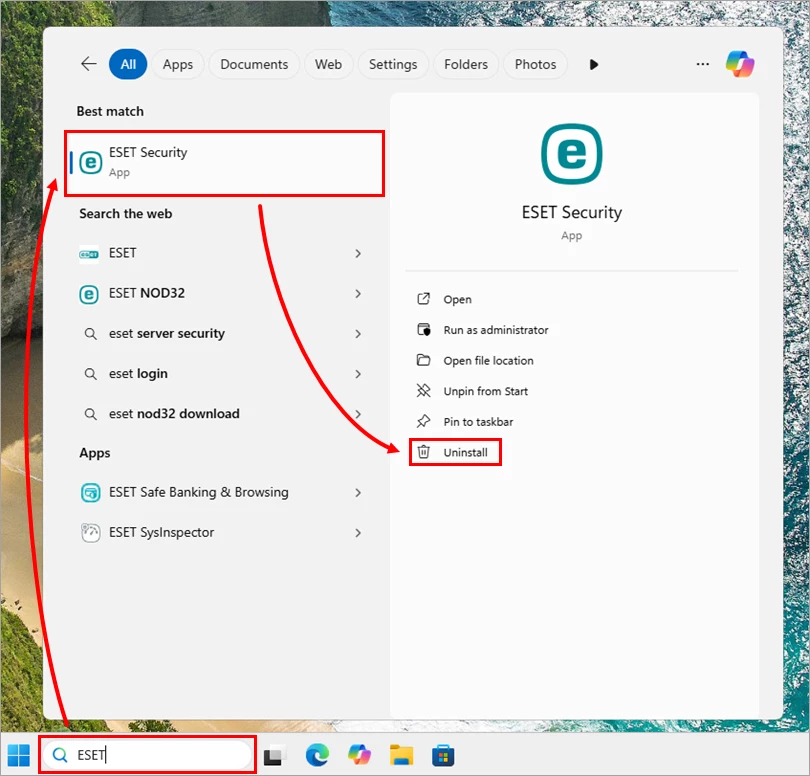
When the standard Windows removal method fails or a forgotten settings password locks you out of your antivirus software, the ESET Uninstaller tool serves as the definitive rescue utility. Designed specifically for emergency scenarios, this command-line application operates exclusively in Safe Mode to forcefully remove every trace of ESET security products from your system. By bypassing the standard uninstallation wizards that might hang or crash, it ensures a clean slate for future security software installations on Windows 10, Windows 11, and supported Server editions.
Key Features
- Safe Mode Execution: Runs only in Windows Safe Mode to bypass active self-defense drivers and locked files that prevent standard removal.
- Command-Line Precision: Utilizes a text-based interface where users select specific ESET product installations to remove by their numeric index.
- Network Configuration Rescue: Includes a specific parameter (
/reinst) to reset the Network Interface Card stack if connectivity issues arise post-removal. - Comprehensive Logging: Automatically generates an
~ESETUninstaller.logfile in the execution directory, detailing every deleted registry key and file for troubleshooting. - Advanced Removal Options: Supports the
/forceflag to delete all detected ESET components without interactive prompts, streamlining bulk cleanups.
Use Cases
This utility is essential for IT administrators and home users who encounter "uninstallation failed" errors or have inherited machines with password-locked ESET configurations. It is also the go-to solution when a previous security suite was incompletely removed, causing conflicts or performance drag with new antivirus software.
ESET Uninstaller provides a reliable, brute-force method to reclaim your system's stability when traditional controls are unresponsive.
Version 9.0.8.0 — June 2025
- Updated compatibility to support the latest Windows 11 revisions and system updates.
- Enhanced detection and removal algorithms for the newest ESET security product versions.
- Resolved minor stability issues and improved the tool's performance in Safe Mode.