Google Chrome is a desktop web browser built upon the open-source Chromium project, utilizing the Blink rendering engine and the highly optimized V8 JavaScript engine. Originally engineered to minimize interface clutter, the application maximizes the viewport space available for actual web content by condensing menus into a single compact toolbar. Modern desktop computing relies heavily on web-based infrastructure, and this browser provides the necessary local processing framework to handle complex Document Object Model (DOM) structures, high-resolution media streams, and demanding client-side scripts. For users operating on Windows 10 and Windows 11, the software functions less as a simple document viewer and more as an application runtime environment. It executes everything from browser-based video editors and graphic design suites to complex enterprise resource planning dashboards with strict process isolation and speed.
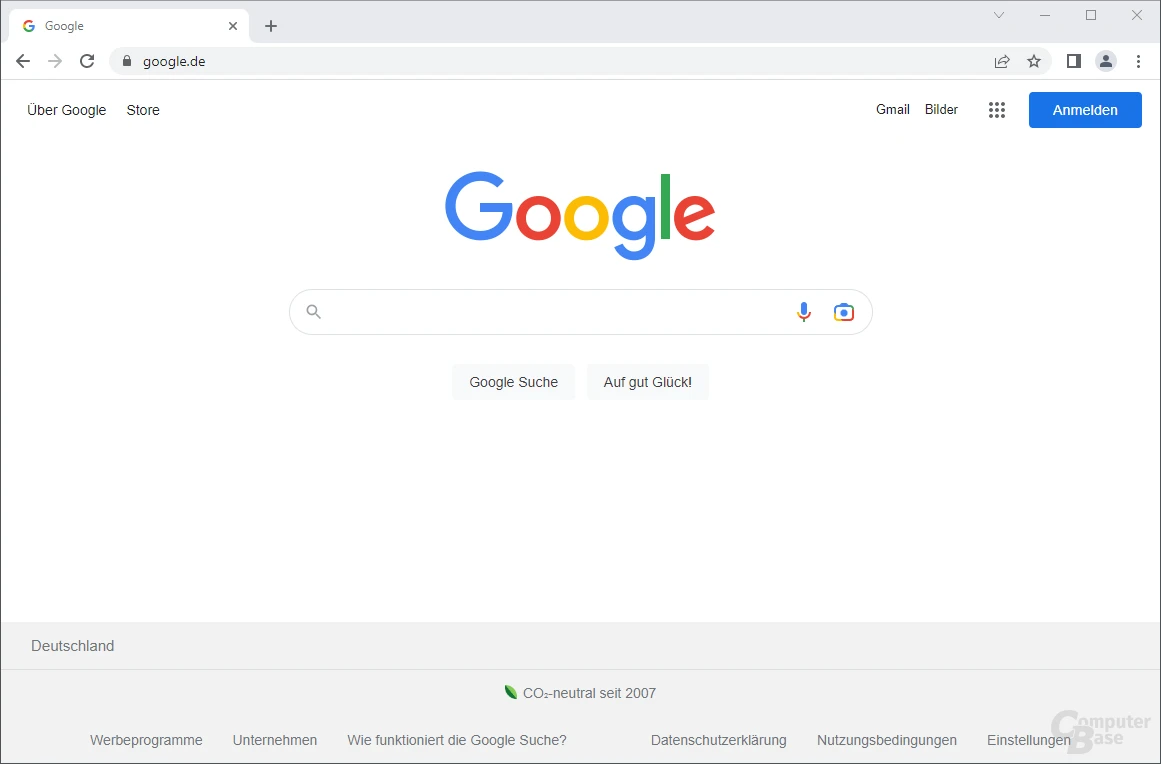
The primary technical advantage of this desktop application lies in its multi-process architecture. Instead of running all open tabs within a single shared thread, the browser isolates every tab, plugin, and active extension into its own sandboxed process. If a poorly coded web page crashes or attempts to execute an endless script, the failure remains confined entirely to that specific isolated process, leaving the rest of the application and all other open tabs unaffected. This structural choice requires a higher system memory overhead but provides critical stability during intensive multitasking sessions where users might have dozens of tabs active simultaneously. Users manage this daily workflow through a minimalist interface anchored by the Omnibox—a combined address and search bar—and a customizable bookmarks bar that supports hierarchical folders.
Beyond standard hyperlink navigation, the application serves distinct user contexts through its built-in profile manager. Freelancers, software developers, and regular consumers use the profile system to separate cookies, cached files, browsing history, and active extensions into strictly isolated local directories. Switching between a professional profile and a personal profile requires only two clicks, instantly loading a completely different set of pinned tabs and saved credentials. The integration of proactive artificial intelligence tools directly into the interface further expands the browser's utility. Users can highlight text for immediate summarization, group related tabs automatically based on topic, or draft text directly within input fields without navigating to external AI portals. When combined with granular site settings that dictate camera, microphone, and location access on a per-domain basis, the application provides a highly controlled environment for daily internet use.
Key Features
- V8 JavaScript Execution and Process Isolation: The application compiles JavaScript into native machine code on the fly to accelerate the execution of complex web applications. Because every tab operates in a dedicated sandbox, heavy background tasks run without freezing adjacent tabs. Users can monitor the exact CPU and memory consumption of individual tabs by pressing Shift+Esc to open the browser's internal Task Manager.
- Integrated Developer Tools: Pressing F12 or Ctrl+Shift+I opens a dedicated inspection suite used extensively to debug front-end code. The Elements panel allows real-time manipulation of HTML and CSS, while the Network tab tracks API requests, asset load times, and payload sizes. The Console records execution errors, serving as an essential diagnostic utility for auditing web performance.
- Omnibox and Proactive AI Integration: The central address bar natively handles URL navigation, search queries, mathematical calculations, and unit conversions. Recent updates introduce an AI-driven side panel capable of summarizing long-form articles, suggesting related research queries, and organizing cluttered tab strips into named, color-coded groups based on contextual relevance.
- Chrome Web Store Extensibility: The browser supports thousands of third-party add-ons distributed via packaged files. These extensions modify the interface, automate repetitive tasks, or block tracking scripts. The extension architecture dictates how add-ons interact with network requests to ensure that third-party code cannot indefinitely monitor sensitive browsing data without explicit user permission.
- Profile and Credential Management: Clicking the top-right profile icon opens a menu to create distinct browsing environments. Each profile maintains its own local storage for cookies, bookmarks, and locally encrypted passwords. Users can configure the built-in password manager to auto-fill payment details securely, requiring local Windows authentication before revealing stored passwords in plain text.
- Hardware Acceleration and Memory Saver: The browser actively offloads graphics-intensive tasks, such as rendering 3D WebGL elements, from the CPU directly to the system's graphics card. To mitigate high RAM usage, users can navigate to the Performance settings and enable Memory Saver, which automatically discards the memory state of inactive tabs until the user clicks back to them.
- Safe Browsing and Phishing Protection: The application maintains a locally cached, frequently updated list of identified malicious URLs and deceptive domains. If a user attempts to navigate to a site known for distributing malware or hosting phishing forms, the browser intercepts the request and displays a bright red warning screen, requiring manual override to proceed.
How to Install Google Chrome on Windows
- Navigate to the official Google download page using your current web browser and click the primary download button to retrieve the stub installer executable.
- Open your local Windows Downloads folder and double-click the setup executable file to initiate the deployment.
- Click "Yes" when the Windows User Account Control (UAC) prompt appears, granting the installer the administrative permissions required to write files to the system drive.
- Wait as the stub installer establishes a connection to Google's servers, downloads the full application payload, and unpacks the necessary files directly into the local application directory.
- Observe the desktop as the setup utility automatically creates a desktop shortcut, registers the application with the Windows registry, and launches the first browser window immediately upon completion.
- On the initial startup screen, decide whether to sign in with a Google Account to synchronize bookmarks, history, and passwords from the cloud, or click "Skip" to keep all browsing data strictly on the local machine.
- Review the prompt asking to set the application as your default web browser; clicking agree will open the default apps section in Windows Settings so you can finalize the system assignment.
Google Chrome Free vs. Paid
Google Chrome is entirely free for all users. There are no trial periods, paid tiers, or subscription requirements to access the core browsing application. Because the foundation of the browser relies on the open-source Chromium project, the underlying code is freely available. Google compiles this code and adds proprietary modules—such as Widevine DRM for playing copyrighted media on streaming services and specific API keys that enable account synchronization—without charging a license fee.
The developer does not generate direct revenue from software sales or licensing fees for the desktop application itself. Instead, the browser functions as a gateway to a broader digital ecosystem. The default search engine integration directs queries to Google Search, which generates advertising revenue. Add-ons in the Web Store are free to install, though individual third-party developers may require subscriptions for their specific extension services. The browser itself never prompts users for payment to unlock features.
For enterprise environments operating on Windows 10 and Windows 11, the company offers Chrome Enterprise Core at no software cost. This enterprise variant provides IT administrators with standalone offline installers and hundreds of Group Policy Object (GPO) templates. These administrative tools allow network managers to deploy the browser across hundreds of workstations, enforce strict security policies, restrict extension installations, and configure proxy settings centrally without paying per-seat software licenses.
Google Chrome vs. Mozilla Firefox vs. Microsoft Edge
Mozilla Firefox utilizes the independent Gecko rendering engine rather than relying on the Chromium framework. Firefox implements Strict Enhanced Tracking Protection by default, actively blocking third-party cookies and fingerprinting scripts immediately upon installation. Users who prioritize an independent web ecosystem and want strict privacy controls without installing additional tracking-blocker extensions typically prefer Firefox over Chromium-based alternatives.
Microsoft Edge shares the same Chromium underlying code but integrates directly into Windows 10 and Windows 11 without requiring a separate download. Edge includes native vertical tabs, a built-in PDF editor, and proprietary AI copilot features built directly into the sidebar. System administrators managing legacy enterprise applications frequently utilize Edge for its Internet Explorer Mode, which renders obsolete ActiveX controls natively without needing a separate legacy browser installation.
Google Chrome remains the most reliable option for users heavily invested in specific web services like Workspace, Meet, and Docs. Because the same developer builds both the browser and these services, compatibility issues are exceptionally rare. Furthermore, Chrome boasts the largest ecosystem of tested extensions and a highly predictable update cycle that ensures fast delivery of critical security patches, making it the standard baseline for web developers and daily consumers who require maximum application compatibility.
Common Issues and Fixes
- High system memory consumption. Multi-process architecture naturally consumes significant RAM, which can slow down hardware with limited capacity. Navigate to Settings, click the Performance tab, and toggle on "Memory Saver" to automatically free up resources from inactive tabs.
- Black screen or visual artifacting. This occurs when the browser's rendering conflicts with outdated graphics drivers. Open Settings, search for "Hardware Acceleration", toggle off the setting named "Use graphics acceleration when available", and click the Relaunch button.
- Unwanted pop-ups or search engine redirects. Malicious extensions often hijack the new tab page or force changes to the default search engine. Click the puzzle piece icon next to the address bar, select "Manage extensions", and click "Remove" on any unknown or suspicious items.
- ERR_NAME_NOT_RESOLVED network errors. This error indicates the browser cannot translate a domain name into an IP address, often due to a stale local cache. Type
chrome://net-internals/#dnsdirectly into the address bar and click the "Clear host cache" button to reset the local DNS records. - Audio playing from hidden background tabs. Finding the source of background noise in a crowded tab strip can be difficult. Locate the tab displaying a small speaker icon, right-click the tab itself, and select "Mute site" to silence the domain entirely without closing the page.
Version 145.0.7632.110 — February 2026
- Added essential under-the-hood security optimizations to ensure a safer browsing environment for users.
- Improved performance and stability by resolving underlying memory management flaws across browser components.
- Fixed issue with a high-severity heap buffer overflow vulnerability affecting the PDFium document engine (CVE-2026-2648).
- Fixed issue with a critical integer overflow bug within the V8 jаvascript processing component (CVE-2026-2649).
- Fixed issue with a medium-risk heap buffer overflow flaw located in the media handling subsystem (CVE-2026-2650).