Moving an artificial intelligence assistant out of the browser and onto the desktop changes how daily computer work happens. Instead of keeping a dedicated browser tab open and constantly switching back and forth to ask questions, this native desktop application runs continuously in the background. It provides direct, keyboard-driven access to conversational artificial intelligence right alongside your active workflow. Whether you are drafting a business email, debugging a complicated script, or summarizing a lengthy PDF document, the assistant is always available at a keystroke without interrupting the active window. By bridging the gap between cloud processing and local usability, this tool acts as a versatile companion for countless digital workflows. It removes the mental barrier of opening a browser tab, typing an address, and waiting for a page to load just to ask a quick question.
The core advantage of the desktop client over web-based alternatives is the floating companion interface. Pressing a predefined keyboard shortcut summons a compact chat window overlay that hovers on top of your current application. You can highlight text in a code editor or a spreadsheet, trigger the shortcut, and immediately ask the assistant to rewrite or explain the selected content. This reduces the friction of copying, pasting, and navigating between multiple applications. The software is designed for professionals, students, and casual users who want constant, low-barrier access to conversational artificial intelligence.
Beyond text generation, the native client hooks directly into the local file system. Users can drag and drop local files into the interface without dealing with web upload dialogues, and capture specific regions of the screen to feed directly into the chat prompt. By existing as a dedicated, standalone application, it stops being a remote website and becomes a core desktop utility, behaving much like a built-in search bar or a system calculator but with the ability to reason through complex textual and visual problems.
Key Features
- Companion Window Overlay: By pressing the default Alt + Space keyboard command, a miniature chat interface appears on top of any active application. This floating panel allows you to ask quick questions, translate text, or generate code snippets while keeping your primary workspace fully visible. The overlay can be dismissed with a single click or keyboard escape command, ensuring it never permanently blocks your screen real estate.
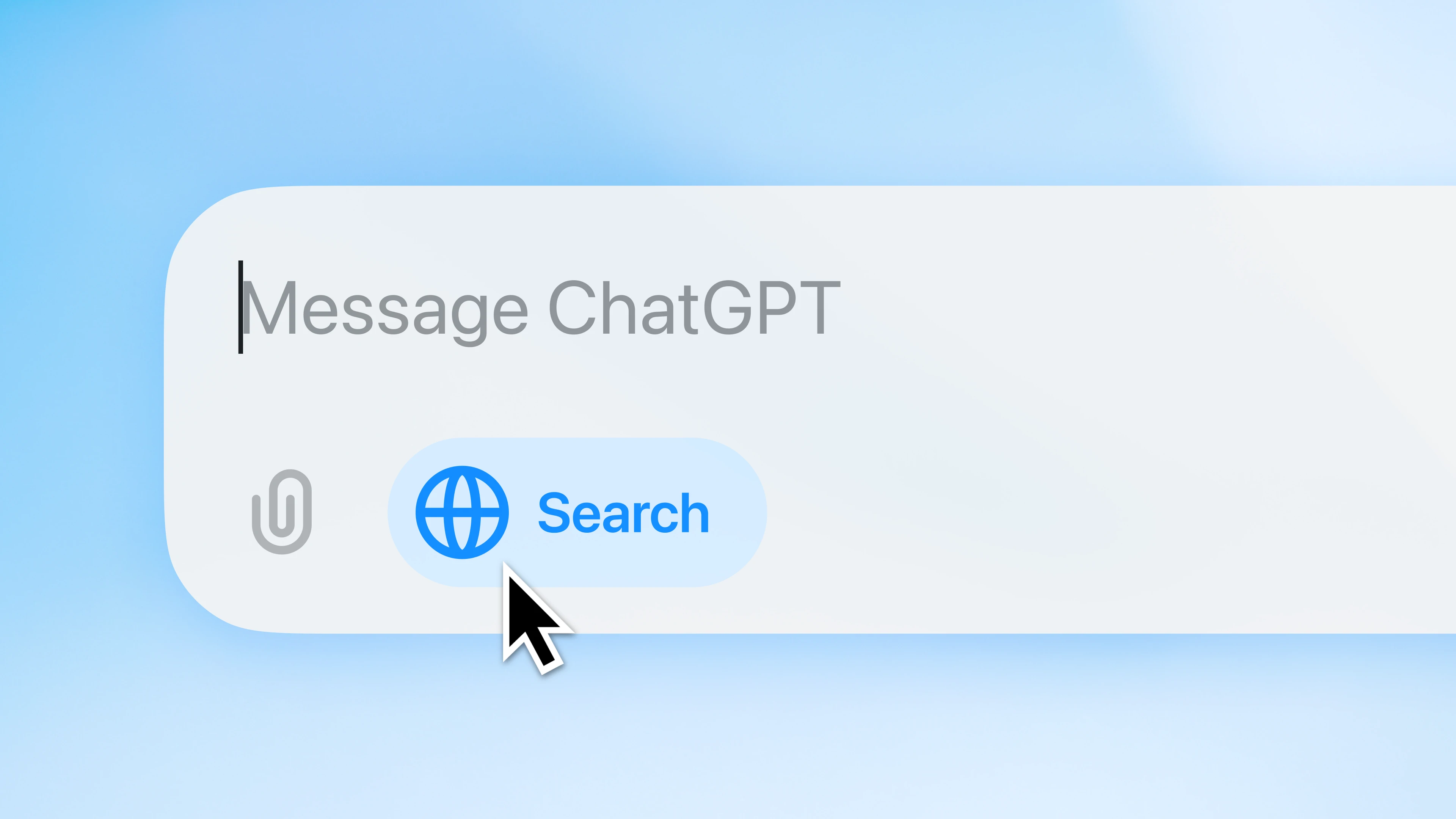
- Native Screen Capture: The interface includes a dedicated attachment button that interacts directly with your operating system's screenshot tools. You can drag a selection box over a confusing error message, an intricate graph, or a design mockup, and the image is instantly pasted into the chat prompt. The artificial intelligence analyzes the image to provide troubleshooting steps without requiring you to save files to your hard drive.
- Advanced Voice Mode: For premium account holders, the application supports real-time verbal conversations using your computer's built-in microphone and speakers. You can dictate long paragraphs, brainstorm ideas aloud while walking around the room, or practice foreign language pronunciation. The interface handles interruptions naturally, allowing you to stop the assistant mid-sentence if it misunderstands your prompt.
- Local File Attachments: Bypassing standard browser upload limits, the desktop client allows you to drag documents directly from your file explorer into the chat area. It supports parsing raw text files, reading structured spreadsheets, and extracting text from standard document formats. The assistant reads the entire contents of the attached file, allowing you to ask specific questions about data rows or request a condensed summary of a large report.
- Custom GPT Library Access: The left-hand sidebar provides immediate access to specialized, user-created artificial intelligence agents tailored for specific tasks. You can switch between a dedicated coding assistant, a creative writing prompt generator, or a mathematical problem solver without opening a web dashboard. Each customized agent retains its specific instructions and outputs results directly within the standard desktop interface.
- Offline Searchable History: All previous conversations are indexed and searchable within the application sidebar, making it simple to retrieve past code snippets or drafted emails. The search function parses the text of old chats almost instantly, and clicking a result loads the entire historical thread. While you need an internet connection to generate new responses, scrolling through the archived text remains fast and responsive.
How to Install ChatGPT on Windows
- Begin by navigating to the official vendor download page or opening the Microsoft Store application on your computer.
- Click the primary download button to obtain the installer executable file, which will save to your default downloads directory. Ensure your hard drive has sufficient space before proceeding.
- Double-click the downloaded executable to launch the setup process; the installer will automatically unpack the required application frameworks onto your primary system drive.
- Once the unpacking process concludes, the application will launch automatically and present a welcome screen with a login prompt.
- Click the sign-in button, which will momentarily minimize the desktop application and open a new tab in your default web browser.
- Enter your registered email address and password, or use an active single sign-on provider, to authenticate your credentials on the vendor's secure webpage.
- Accept the prompt asking for permission to return to the desktop application, which will pass the authentication token back to the local software and unlock the main interface.
- Review the first-run tutorial overlay, which explains the default keyboard shortcut, then test the installation by pressing the shortcut keys to summon the companion overlay. You can pin the application icon to your taskbar for easier access during daily work.
ChatGPT Free vs. Paid
The basic application requires no initial payment to download and use, needing only a registered account. The free tier grants access to standard artificial intelligence models, allowing users to ask general questions, upload a limited number of files, and generate basic text. However, this tier imposes strict usage caps based on current server demand. During peak hours, free users may experience slower text generation speeds or encounter temporary lockouts until their usage quota resets. Additionally, certain premium functions like complex reasoning models and real-time verbal conversations are either heavily restricted or entirely unavailable to free account holders.
For individuals who rely on the application for daily work, the Plus subscription costs $20 per month and removes most of the friction associated with the free tier. Plus subscribers receive significantly higher message limits, faster response times, and priority access to the servers during heavy traffic periods. This tier also unlocks the ability to generate images directly within the chat window, utilize advanced reasoning models that spend more time computing complex logic or math problems, and access the full suite of specialized community-created agents. The monthly fee functions as a flat rate, with no hidden token charges for standard daily usage.
Organizations and enterprise clients have access to Team and Enterprise tiers, which alter how the software handles data privacy. The Team plan starts at roughly $25 to $30 per user per month and provides a shared administrative workspace where colleagues can build and distribute customized agents securely. Crucially, the Team and Enterprise tiers guarantee that the vendor will not use any attached files, corporate data, or chat histories to train future language models. The Enterprise tier requires custom pricing negotiated through the vendor's sales department and introduces deeper administrative controls, extended context windows for massive document processing, and single sign-on integration for large corporate environments.
ChatGPT vs. Claude vs. Microsoft Copilot
Claude is a strong alternative developed by Anthropic, recognized primarily for its massive context window and its nuanced, less robotic writing style. Programmers and analysts often choose Claude when they need to dump hundreds of pages of documentation or an entire application codebase into a single prompt, as it rarely forgets instructions provided early in a long conversation. Users dealing with complex technical research papers often prefer Claude for its precise document parsing capabilities. However, its desktop ecosystem is less mature, and it currently lacks the fluid, real-time voice interaction modes that make native desktop applications feel like true virtual assistants.
Microsoft Copilot takes a fundamentally different approach by integrating directly into the operating system and the Office software suite. If your primary goal is to generate PowerPoint slides, reformat Word documents, or alter operating system settings using natural language, Copilot has deep system-level access that standalone applications cannot match. Copilot operates under a distinct licensing structure tied to Microsoft 365 subscriptions. Despite sharing similar underlying intelligence models, Copilot feels more like a traditional utility baked into the taskbar, whereas other clients act as conversational partners isolated in their own workspaces.
ChatGPT remains the better fit for users who want a dedicated, standalone companion overlay that excels at a wide variety of general-purpose tasks. Its global keyboard shortcut, expansive marketplace of customized agents, and superior voice interaction tools provide a more versatile workflow. Its reliable cross-platform syncing ensures that a conversation started on a mobile device can be immediately resumed via the desktop client without missing a beat. While it lacks the deep Microsoft Office integration of Copilot, its sheer speed, broader feature set, and reliable desktop presence make it the standard choice for users who want the most flexible artificial intelligence assistant available on their local machine.
Common Issues and Fixes
- Shortcut fails to open the companion window. This usually happens because another utility on your system is already using the same keyboard command. Open the application settings, navigate to the shortcut menu, and record a new key combination, or disable conflicting utilities like specialized window managers.
- The application opens to a blank screen. Network filters or strict security software can block the application from loading its interface assets from the server. Temporarily disable third-party antivirus software, turn off any active virtual private networks, and completely restart the software from the system tray.
- Text responses remain invisible. Sometimes the application registers a response but the text fails to render on the screen, leaving a blank space. Click the copy icon underneath the blank area to retrieve the text, then clear the application cache or force a hard reload to restore visibility.
- Authentication loop during sign-in. After completing the browser login, the desktop client may fail to recognize the authentication token and repeatedly ask you to sign in. Change your default web browser temporarily, close the desktop application completely via the system tray, and initiate the login sequence again so the token passes through a clean browser environment.
Version Unknown — December 2024
Added:
- Gmail, Google Calendar, and Google Contacts Connectors in ChatGPT are now available to Plus users globally
- Capture meetings, brainstorms, or voice notes. ChatGPT will transcribe, summarize, and turn them into helpful outputs like follow-ups, plans, or even code
- We've upgraded ChatGPT search for all users to provide even more comprehensive, up-to-date responses
Improved:
- Memory improvements are starting to roll out to Free users. ChatGPT now references your recent conversations to deliver responses that feel more relevant and tailored to you
- ChatGPT Plus users now have 3,000 messages/week with GPT-5 Thinking, and then extra capacity on GPT-5 Thinking mini after that limit. The context limit for GPT-5 Thinking is 196k tokens
Fixed:
- 4o is back in the model picker for all paid users by default. Paid users also now have a "Show additional models" toggle in ChatGPT web settings