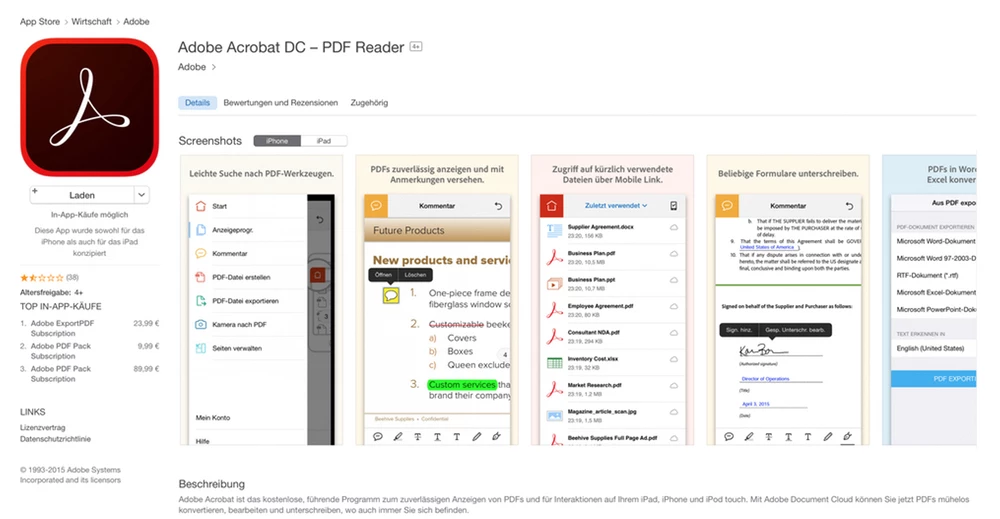
Adobe Reader functions as the primary desktop application for opening, viewing, and interacting with Portable Document Format files on a Windows operating system. While modern web browsers include basic document rendering capabilities, they frequently struggle when handling complex document formatting, interactive form elements, or cryptographically secure digital signatures. This software provides a dedicated, localized environment built specifically to process these heavier tasks without relying on a web server. Users rely on this application to ensure that official documentation, government tax forms, business contracts, and academic research papers display exactly as the original author intended. The core engine focuses strictly on document fidelity, meaning fonts, vector graphics, and page layouts remain locked in place regardless of the screen dimensions.
For many individuals and corporate workers, installing a standalone viewer eliminates the friction of managing digital paperwork. The application extends beyond passive reading by supplying practical tools to fill out text fields, apply digital signatures, and leave detailed feedback through structured comments. Choosing a local desktop installation instead of a browser extension guarantees continuous access to advanced print controls, local file management, and accessibility tools such as screen reading, all without requiring an active internet connection. This specific application deliberately targets users who simply need to process, review, and respond to incoming files without risking accidental changes to the original source text.
When processing large technical manuals, dense legal briefs, or architectural plans, a dedicated viewer loads and navigates pages more efficiently than browser-based alternatives. The interface provides logical navigation through nested bookmarks, persistent page thumbnails, and exact text search functions that index the entire document in seconds. By maintaining a strict focus on viewing and annotating, the software serves as the standard, predictable utility for administrative workflows, legal reviews, and daily reading tasks on Windows computers.
Key Features
- Document Rendering and Navigation. The software uses a proprietary rendering engine to display files with exact layout fidelity, ensuring no overlapping text. Users can navigate lengthy documents using the Bookmarks panel, switch to a page thumbnail view, or use the exact text search tool (Ctrl+F) to locate specific strings. Zoom controls allow for Fit to Page viewing, adapting the document to different monitor sizes.
- Fill & Sign Tool. This function allows users to complete interactive forms or manually add text to flat documents. By clicking the Fill & Sign option, users can type their information, adjust the font size, add checkmarks to boxes, and place a pre-saved graphical signature or typed initials onto the page without needing to print the document.
- Annotation and Commenting. Reviewers can mark up text directly without altering the underlying content. The top toolbar provides options to add yellow sticky notes, highlight specific passages, apply red strikethroughs, or use the freehand drawing tool. The right-hand Comments pane aggregates all annotations, allowing multiple collaborators to reply to individual notes.
- Advanced Print Controls. The print dialog box offers specific settings for transferring digital pages to physical paper accurately. Users can choose Fit to Printable Area to prevent cut-off margins, print multiple pages on a single sheet to save ink, or generate physical booklets with automatic page ordering directly from the desktop application.
- Read Out Loud Accessibility. For users with visual impairments, the software includes a built-in text-to-speech function. Navigating to the View menu, selecting Read Out Loud, and clicking Activate allows the application to dictate the document text using the standard Windows voice synthesizer. Users can pause the dictation at any time.
- Protected Mode Security. To prevent malicious scripts embedded inside downloaded files from accessing the local computer system, the application opens documents in a restricted sandbox environment. This security setting isolates the viewing process, ensuring that interacting with unknown email attachments does not compromise the Windows registry or local file system.
- Document Properties and Metadata. Users can inspect the technical background details of any file by pressing Ctrl+D to open the Document Properties window. This dialog reveals the original document author, the exact creation date, the specific software application used to generate the file, and a list of the fonts embedded within the document.
How to Install Adobe Reader on Windows
- Navigate to the official vendor download page using a standard web browser to ensure you receive the unmodified, secure installation package directly from the source.
- Review the middle column on the download page for optional third-party software offers, such as bundled antivirus utilities, and manually clear the checkboxes if you do not want to install them.
- Click the main download button to save the executable installer file to your local computer, which usually defaults to the standard Windows Downloads folder.
- Locate the downloaded file, typically named with a prefix like Reader_install, and double-click the executable to launch the setup wizard.
- When the Windows User Account Control prompt appears asking for permission to make changes to your device, click Yes to grant the necessary administrator rights.
- Wait for the setup window to progress; the process relies on a stub installer that pulls the remaining application files from the vendor's servers before automatically executing the local setup.
- Click the Finish button once the progress bar reaches completion, which closes the installer window and typically launches the application immediately.
- On the first run, the software may display a prompt asking to make it the default program; follow the on-screen instructions to open Windows Settings and assign the application as your primary viewer.
Adobe Reader Free vs. Paid
The core desktop viewer is entirely free to use and does not require a credit card, a trial registration, or an active subscription to function. In this free tier, users can open files, read documents, print pages, fill out standard forms, and apply basic annotations like sticky notes and highlights. The free tier also supports the Fill & Sign feature, allowing users to type text onto flat pages and add image-based signatures to legal contracts without paying any upfront fees.
However, the vendor heavily markets its paid subscription tiers, Acrobat Standard and Acrobat Pro, directly inside the free application's user interface. Users navigating the right-hand tool pane will see options like Edit PDF, Export PDF, or Combine Files. Clicking these specific buttons in the free viewer does not activate the tool; instead, it triggers a prompt asking the user to purchase a subscription. The paid tiers transition the software from a strict document viewer into a full document editor.
Acrobat Standard costs $12.99 per month when billed annually, while the more advanced Acrobat Pro costs $19.99 per month. Upgrading to these paid plans unlocks the ability to change existing text directly on the page, swap out images, reorder pages, permanently redact sensitive information, and convert files into Microsoft Word or Excel formats. Acrobat Pro also includes optical character recognition to turn scanned images into selectable, searchable text.
For individuals who only need to read documents or submit tax forms, the free tier provides all the necessary functionality. The paid subscriptions are designed strictly for business professionals and legal teams who actively author, modify, and manage complex document workflows daily.
Adobe Reader vs. Foxit PDF Reader vs. SumatraPDF
Foxit PDF Reader targets users who want advanced viewing and annotation tools but prefer a lighter footprint and a Microsoft Office-style ribbon interface. Foxit loads quickly, uses less system memory during large file rendering, and includes excellent tabbed browsing for handling multiple documents simultaneously. Users should choose Foxit when they want an extensive set of markup tools and fast local search capabilities without the aggressive upselling prompts commonly found in Adobe's interface.
SumatraPDF represents the extreme minimalist approach to document viewing on Windows. As an open-source application, it strips away the ribbon menus, form filling tools, and heavy background processes entirely, leaving only a basic window for reading. SumatraPDF opens instantly and supports additional formats like ePUB, MOBI, and comic book archives. It is the ideal choice for users who exclusively read books or manuals and have absolutely no need to sign contracts, fill forms, or add comments.
Adobe Reader remains the better fit when guaranteed compatibility is the primary requirement. Government agencies, tax portals, and enterprise document systems specifically design their interactive forms and certified digital signature fields to work flawlessly with Adobe's rendering engine. While it consumes more disk space than Foxit or SumatraPDF, users who handle official business documents choose this software to ensure they never encounter a broken form field or a misaligned print job.
Common Issues and Fixes
- Installation stalls at 90 percent. This usually occurs when a background antivirus program intercepts the installer or a previous Windows update requires a system reboot. Restart the computer, temporarily pause the active antivirus shield, and run the installer executable again as an administrator.
- Unable to edit existing text. Users frequently attempt to modify paragraphs and discover the tools are locked. The free software only allows adding new text via the Fill & Sign tool or adding comments; modifying original text requires a paid Acrobat subscription.
- Form fields do not allow typing. If a document appears to be a form but does not have clickable fields, the creator may have exported it as a flat file. Open the Fill & Sign tool from the right sidebar to manually place text boxes anywhere on the page.
- Application crashes upon opening a specific file. Complex files with embedded multimedia or corrupted fonts can trigger a crash in Protected Mode. Go to Edit, select Preferences, navigate to Security (Enhanced), and temporarily uncheck Enable Protected Mode at startup to see if the file opens successfully.
- Toolbars disappear from the screen. Users who accidentally enter Read Mode will lose access to their menu ribbons. Pressing the Esc key exits Read Mode, while pressing F8 toggles the main toolbar visibility, and pressing F9 restores the top menu bar.
Version 22025.001.21078— January 2026
- Added support for editing images directly within PDFs using Adobe Express integration on macOS.
- Improved application stability and addressed critical security vulnerabilities to prevent arbitrary code execution.
- Fixed reported issues affecting the "Edit PDF" and "Organize Pages" tools to ensure smoother document modifications.