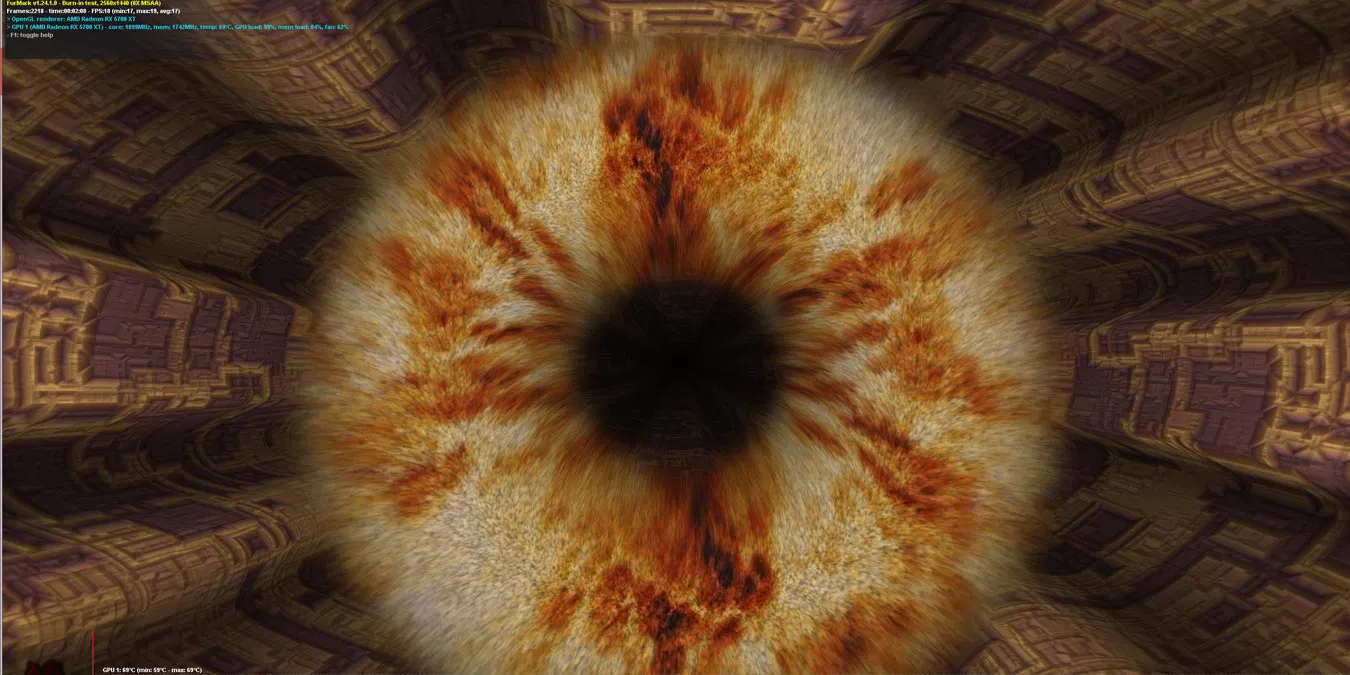
FurMark remains the industry standard for pushing graphics cards to their absolute thermal and stability limits, serving as an essential utility for PC enthusiasts and hardware testers in late 2025. Developed by Geeks3D, this intensive OpenGL and Vulkan benchmark deliberately creates a worst-case scenario for your GPU, rendering complex furry objects to maximize heat generation and power consumption. Whether you have just built a new rig with the latest RTX 50-series card or are troubleshooting a crashing system, this tool reveals potential hardware faults that standard games often miss.
Key Features
- Dual Stress Algorithms: Users can choose between the classic "Donut" test or the newer, more demanding "Knot" rendering mode to evaluate how cooling solutions handle different types of sustained graphical loads.
- Cross-API Support: The software now fully supports both OpenGL and Vulkan APIs, allowing you to verify stability across different rendering backends used in modern gaming titles.
- Integrated Monitoring Tools: The installation bundles GPU-Z and GPU Shark, providing real-time, detailed telemetry on clock speeds, fan curves, and hotspot temperatures directly alongside the stress test window.
- Benchmark Presets: Standardized testing options for 1080p, 1440p, and 4K resolutions enable consistent performance comparisons against a global database of other users' scores.
- Safety Limits: Built-in safety toggles allow you to monitor critical thermal thresholds, helping to prevent hardware damage during extreme overclocking sessions by automatically throttling or warning if temperatures spike too high.
Use Cases
System builders and overclockers rely on this utility to validate thermal paste applications and cooling configurations, ensuring their machines won't overheat during marathon gaming sessions. Repair technicians also use it frequently to diagnose intermittent crashes or "black screen" issues on aging desktops running Windows 10 or Windows 11.
FurMark 2 distinguishes itself by offering a no-nonsense, brutally effective method to verify GPU reliability without the bloat of larger commercial benchmarking suites.
Version 2.10.2 — October 2025
- Added support for new GPU models, including the AMD Radeon RX 9060, RX 7700, and NVIDIA GeForce RTX 5090 D v2.
- Improved hardware monitoring capabilities for Raspberry Pi 5 and Intel Arc GPUs on Linux systems.
- Fixed a critical bug in the Vulkan plugin that affected AMD Radeon RX 7000 and RX 6000 series cards (newer RX 9000 series were not impacted).
- Updated core GeeXLab libraries to version 0.66.2 for better stability.