Description
Users often search for alternatives to Nox App Player when they encounter performance lags, installation errors, or simply want a cleaner interface without intrusive advertisements. While Nox has been a staple in the Android emulation market for years, 2025 brought significant updates to competitors that now offer better stability and resource management on Windows. This guide explores five top-rated emulators that outperform Nox in specific areas, ranging from high-performance gaming to official Google integration.
BlueStacks
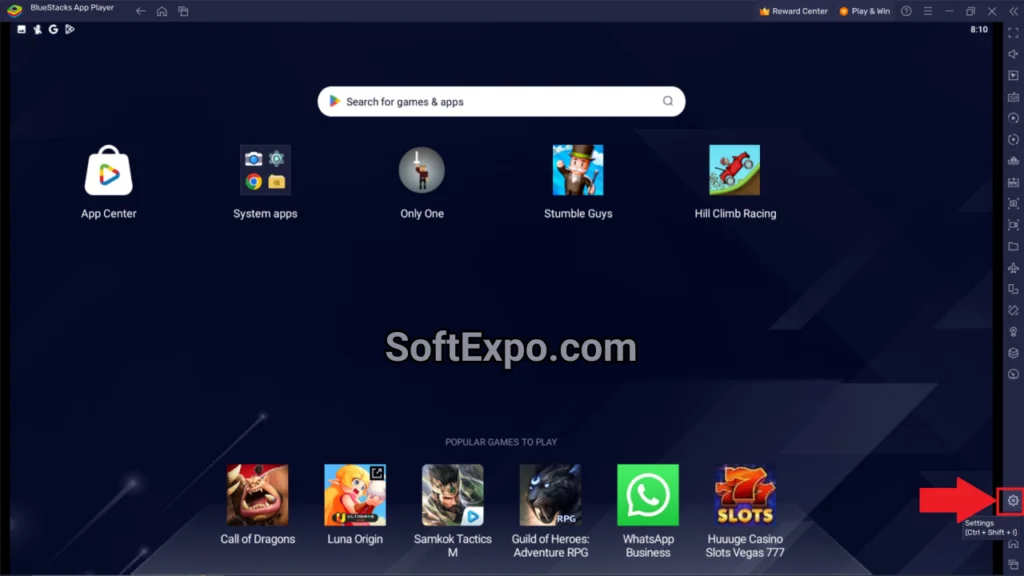
BlueStacks remains the most recognized name in the Android emulation space, developed by BlueStacks Inc. It functions as a complete Android ecosystem replacement for your PC. Unlike Nox, which can struggle with resource allocation on newer titles, BlueStacks 5 (and the cloud-based BlueStacks X) focuses heavily on stability and compatibility across a massive library of apps. It is designed primarily for gamers who want a console-like experience with reliable keyboard and mouse controls.
- **Eco Mode:** Reduces CPU and RAM usage by significantly limiting resources for background instances.
- **Smart Controls:** Automatically locks and unlocks the mouse cursor based on on-screen activity, ideal for shooters.
- **Multi-Instance Sync:** Replicates actions performed in the main window across all other active instances in real-time.
- **Macro Recorder:** Automates repetitive tasks with editable scripts.
Best for: Users with mid-to-high-end PCs seeking the highest compatibility and stability.
Pricing: Free (ad-supported); Premium subscription available to remove ads.
LDPlayer
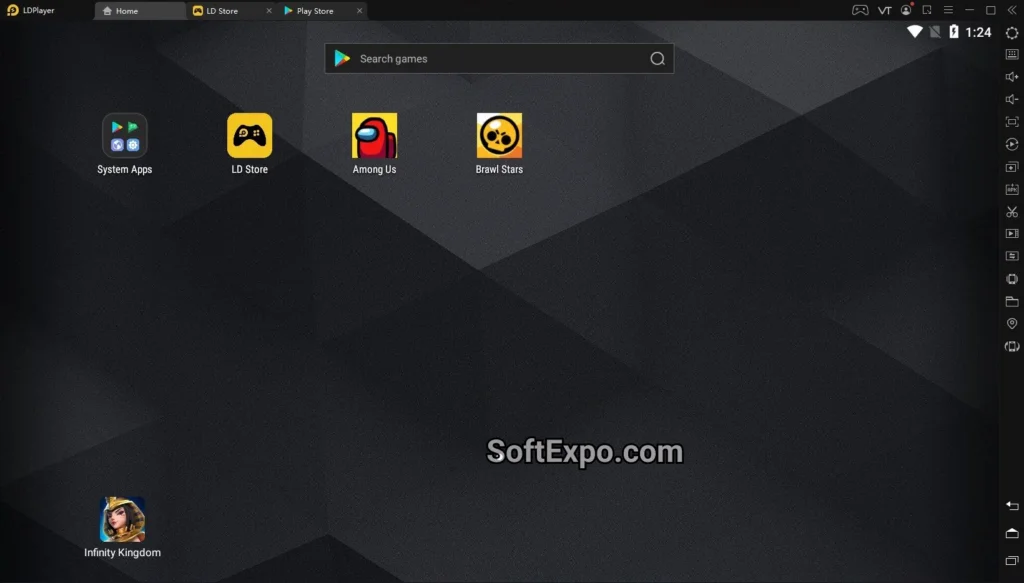
LDPlayer is a lightweight, high-performance emulator developed by XUANZHI INTERNATIONAL CO., LIMITED. It has gained a loyal following by focusing strictly on speed and gaming optimization. While Nox can feel heavy on system resources, LDPlayer is often cited for its ability to run smoothly on older hardware. It uses a proprietary kernel that enhances gaming performance, making it a favorite for competitive mobile gamers who need high frame rates without stuttering.
- **High FPS Mode:** Supports up to 120 FPS and higher for supported titles, ensuring fluid visuals.
- **Operation Recorder:** write custom scripts to automate farming or grinding in RPGs.
- **Lightweight Engine:** Consumes fewer system resources compared to many competitors, preventing PC slowdowns.
- **Multi-Instance Manager:** optimized to run several game accounts simultaneously with minimal lag.
Best for: Competitive gamers and users with older or lower-spec Windows machines.
Pricing: Free (ad-supported).
Google Play Games for PC
In a shift away from traditional third-party emulation, Google now offers its own official software for running Android titles on Windows. Released out of beta and widely available in 2025, this platform differs from Nox because it is not a full Android OS emulator; instead, it runs specific games natively on Windows hardware. This results in superior performance and security, though the library is limited to titles approved by Google.
- **Native Performance:** Runs games directly on Windows without the heavy overhead of a virtual machine.
- **Cross-Device Sync:** Progress automatically syncs between your phone, tablet, and PC via your Google account.
- **Official Keyboard Support:** Developers optimize controls specifically for PC play, reducing the need for manual mapping.
- **Clean Interface:** Completely free of the third-party ads and bloatware found in traditional emulators.
Best for: Casual gamers who play supported titles and value security and cross-device progression.
Pricing: Free.
GameLoop
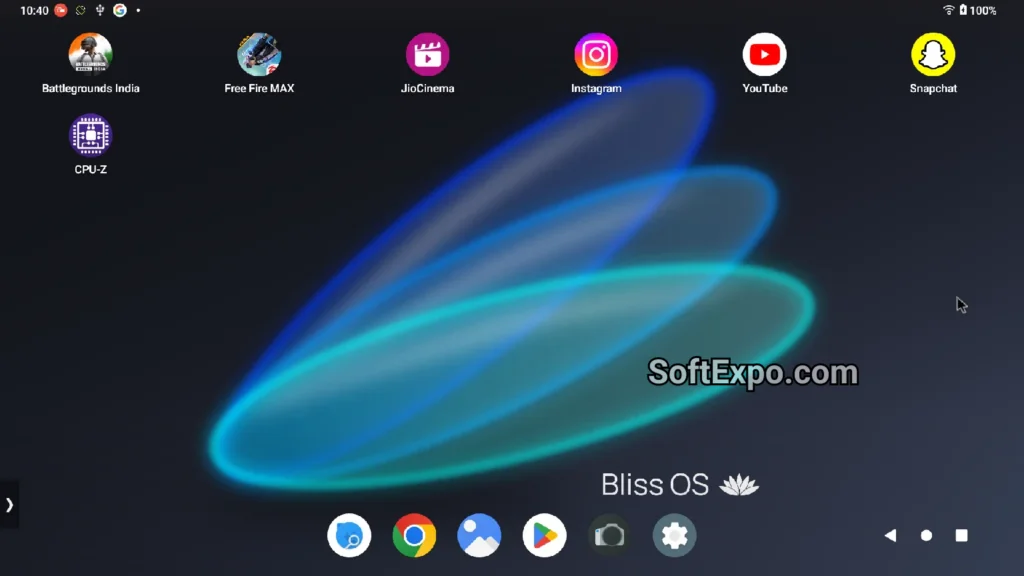
Formerly known as Tencent Gaming Buddy, GameLoop is the official emulator developed by Tencent. It is engineered specifically for mobile shooters like PUBG Mobile, Call of Duty: Mobile, and Free Fire. While Nox creates a generic Android environment, GameLoop includes a specialized AOW engine that ensures anti-cheat compliance, meaning you are less likely to get banned for using an emulator. It provides the most accurate mouse and keyboard mapping for shooting games right out of the box.
- **AOW Engine:** Exclusive technology that ensures faster loading times and lag-free gameplay for shooters.
- **Anti-Cheat Support:** recognized as an official emulator by major game developers, reducing ban risks.
- **2K Resolution Support:** Enhances graphics quality for a sharper visual experience on large monitors.
- **Pre-configured Keymaps:** heavily optimized controls for popular battle royale games.
Best for: Fans of Tencent titles and First-Person Shooters (FPS) who need precise aiming controls.
Pricing: Free.
MEmu Play
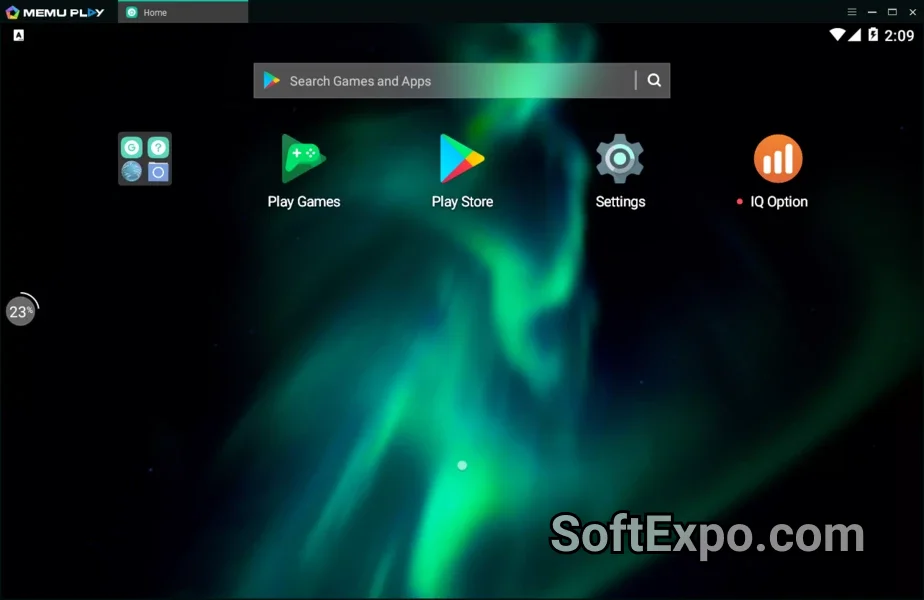
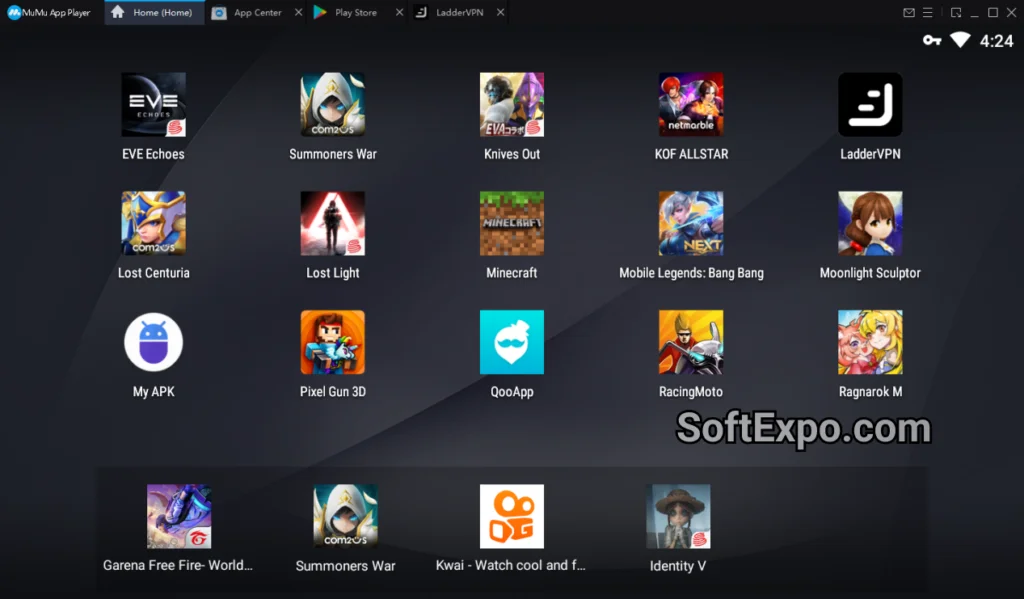
MEmu Play acts as a versatile middle ground between the raw performance of LDPlayer and the feature set of BlueStacks. Developed by Microvirt, it is known for its excellent support of both Intel and AMD processors, whereas some older emulators struggled with AMD compatibility. MEmu focuses on providing a balanced experience, offering reliable performance for both gaming and general productivity apps.
- **Hardware Flexibility:** optimized graphics rendering for both integrated and dedicated GPU setups.
- **Multiple Android Versions:** Allows users to create instances running different Android versions (e.g., Android 7, 9) to support older or newer apps.
- **Smart Keymapping:** Built-in controls for popular games like Brawl Stars and Mobile Legends.
- **GPS Simulation:** Includes tools to simulate location, useful for location-based apps.
Best for: Users with AMD processors or those who need to run specific Android versions for app compatibility.
Pricing: Free (ad-supported); Premium subscription available.
Quick Comparison
| Software | Best For | Price | Key Advantage |
|---|---|---|---|
| BlueStacks | High-End Gaming | Freemium | Massive compatibility & stability |
| LDPlayer | Low-End PCs / Speed | Free | High FPS & lightweight engine |
| Google Play Games | Casual / Syncing | Free | Official Google support & safety |
| GameLoop | Shooters (PUBG/CODM) | Free | Anti-cheat compliance |
| MEmu Play | AMD Users / Versatility | Freemium | Flexible Android versions |
Which Alternative Is Right for You?
Choosing the right replacement for Nox App Player depends entirely on your hardware and what games you play. If you have a powerful gaming rig and want the most stable experience with the widest game support, BlueStacks is the standard choice. However, if your PC is older or struggles with performance, LDPlayer will likely offer a smoother experience with higher frame rates.
For fans of competitive shooters like PUBG Mobile, GameLoop is the only logical option due to its specialized engine and anti-cheat safety. Finally, if you prefer a clean, ad-free experience and only play mainstream titles, Google Play Games for PC offers the most integrated and secure way to play on Windows.
Notepad++ Best Alternatives 2025
KMPlayer Top Alternatives 2025